Protect your systems with reliable IT alerting software.
Detect incidents before they impact users or operations. Get instant alerts for outages, performance issues, and critical events across your IT infrastructure.
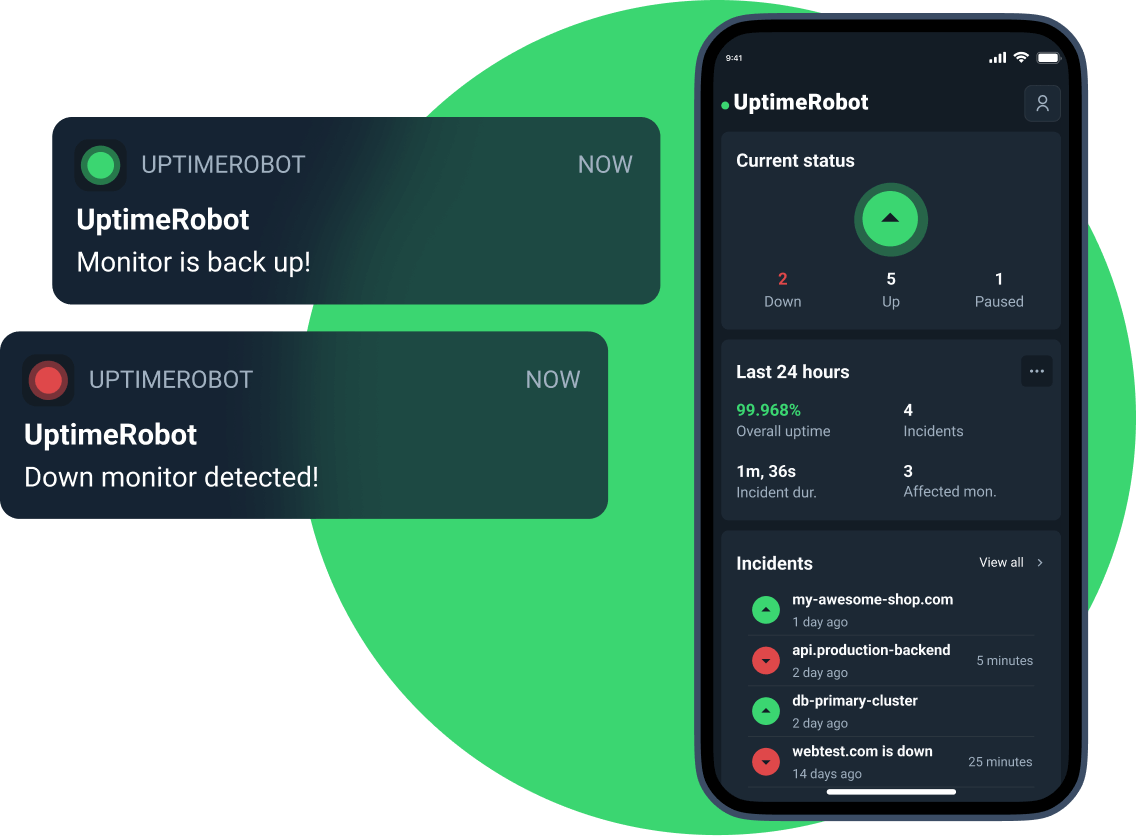
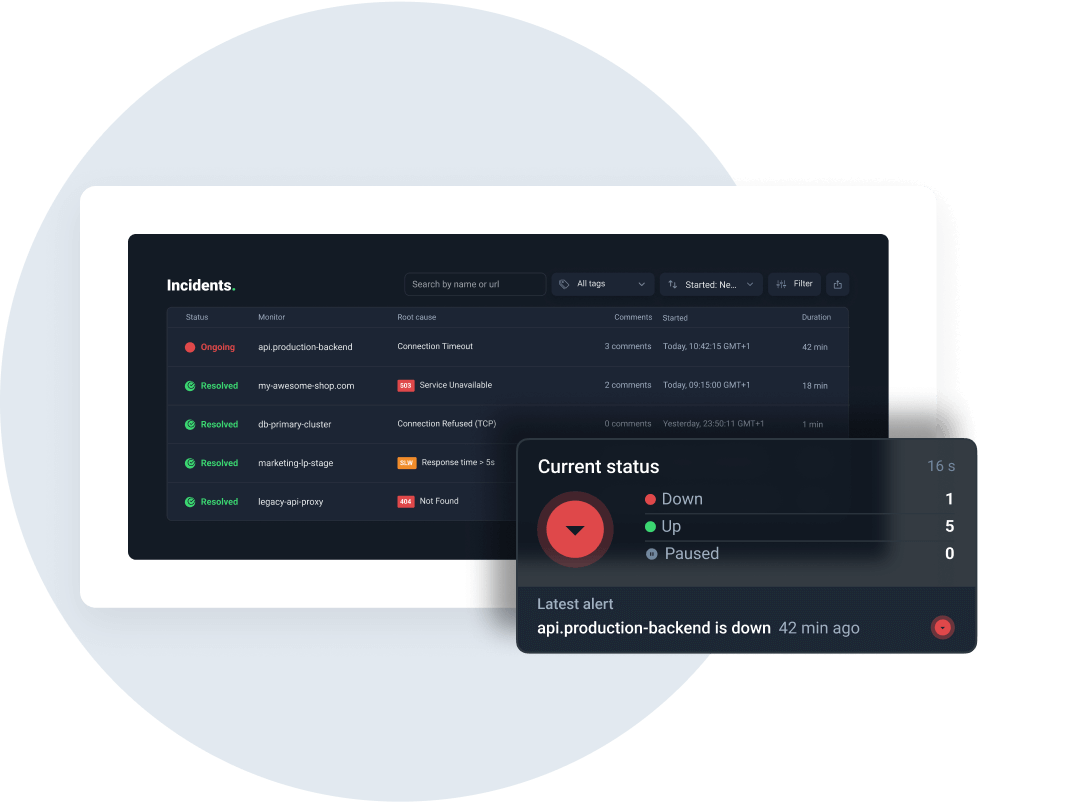
Instant alerts for critical incidents
Get notified immediately when a service goes down, slows down, or behaves unexpectedly. Alerts are triggered in real time so your team can react before users are affected.
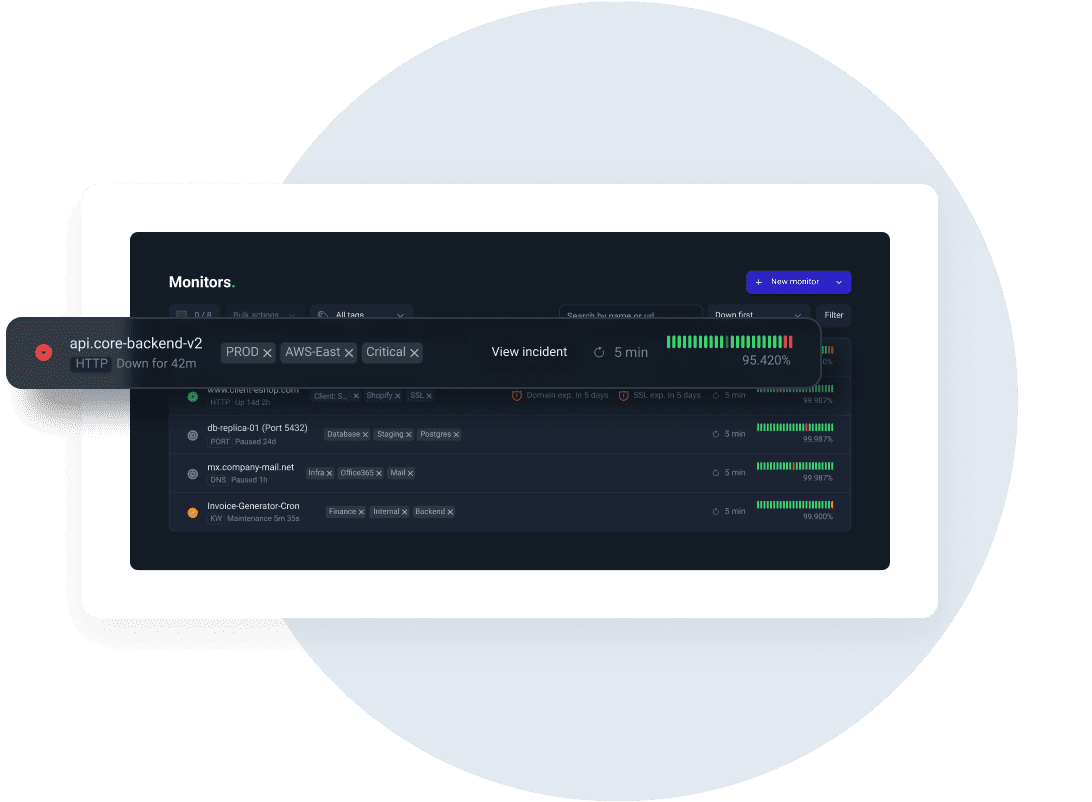
Monitor all critical services
Track websites, servers, APIs, DNS, ports, and custom endpoints from a single dashboard. Centralize alerts across your entire IT stack to avoid blind spots.
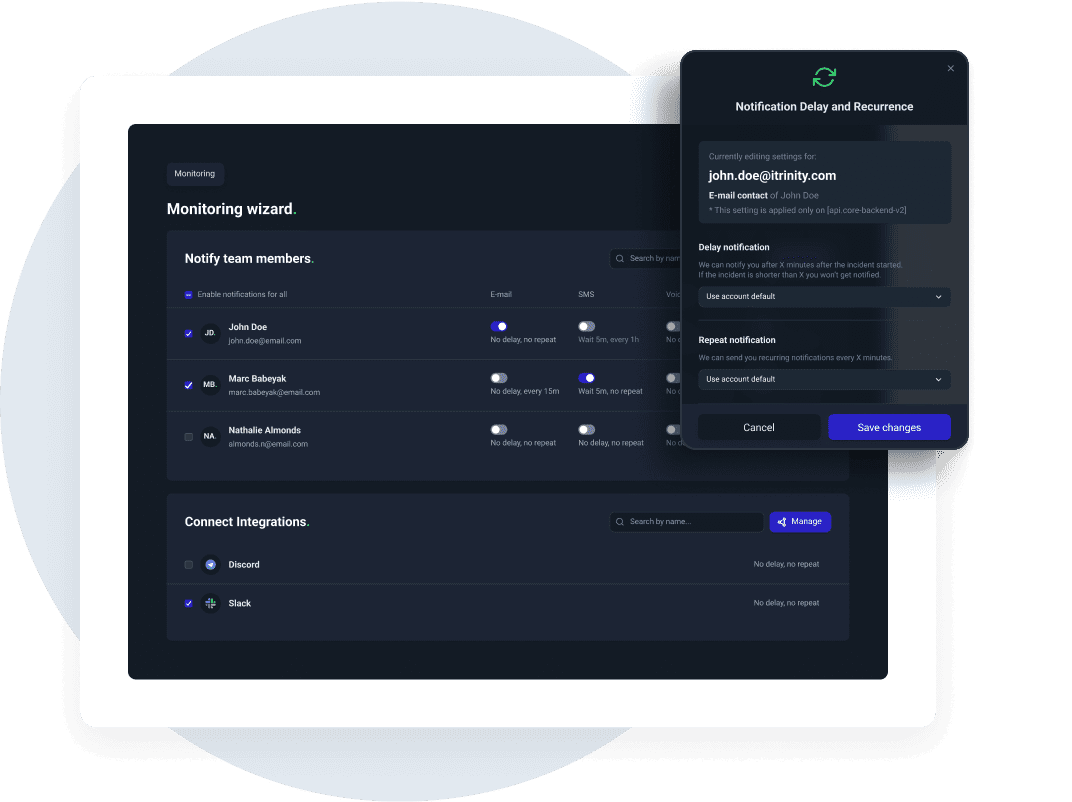
Reduce downtime and MTTR
Early detection and fast notifications help teams resolve incidents quicker. Spend less time troubleshooting and more time maintaining reliable systems.
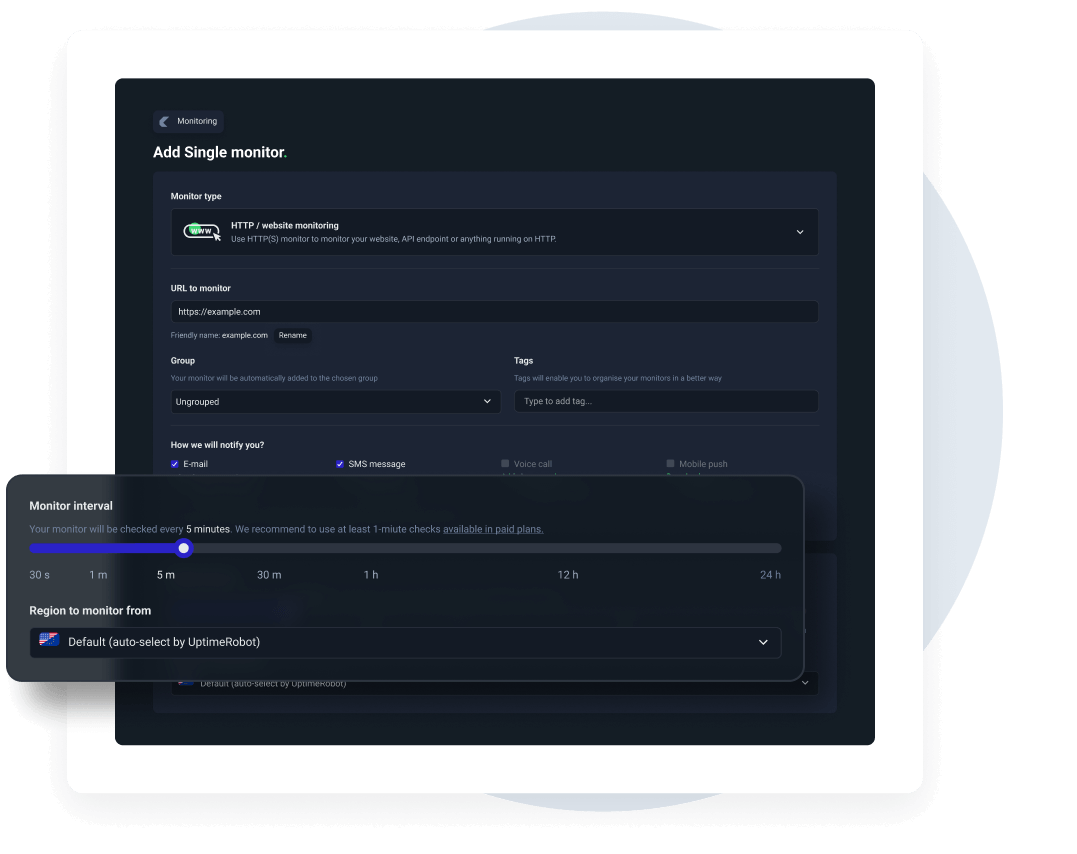
Easy and quick setup
Create monitors in minutes. Choose what to monitor, define alert thresholds, and start receiving notifications automatically with no complex configuration.
Advanced features for advanced users.
 Recurring notifications
Set threshold and recurrence parameters so that you don't miss any serious outage.
Maintenance windows
Set up maintenance windows to pause the monitoring during the maintenance.
Incident management
Get a single overview of all incidents. Filter by status, root cause, or custom tags, tag teammates for instant collaboration, and push updates to your status pages.
Response time monitoring
See your response times in a chart and get alerts when your website or service responds slower than usual.
Multi-location checks
Create monitors with specific monitoring regions you can choose and catch issues that only appear in specific locations.
SMS and voice call notifications
No internet? We can call or text you when something goes wrong.
Set up alerts in seconds.
1. Add your service
Enter the website, server, API, or endpoint you want to monitor in your dashboard.
2. Configure alert rules
Set response time thresholds, downtime conditions, and alert channels based on your needs.
3. Receive instant alerts
Get notified via email, SMS, voice call, or integrations like Slack when an issue is detected.
Start monitoring incidents today
Why people love UptimeRobot.

It does what they claim
I can be confident I'll know when the server reboots and I need to turn it back on! I set it and forget it. Until it emails me that we've had an outage. That kind of peace of mind is worth the price of admission.
Easy to use, robust, does exactly what it promises
Unlike some other monitoring services I tried, UptimeRobot has been very reliable. - I've rarely, if ever, experienced false positives, which is crucial to preserving our staff's time (and faith in the service)! I also appreciate UptimeRobot's flexible and customizable status page - very handy both for people within our org and our website users.
Great for non-devs to keep an eye on multiple pages
I utilize this for work to keep an eye on a number of sites and for a non-dev it's such a great tool. As it sits outside of our hosting it's great to have confirmation if there is an issue.
Explore other monitoring capabilities.
Monitor websites, servers, APIs, DNS, ports, and custom endpoints from a single dashboard.




Frequently asked questions.
What is IT alerting software?
IT alerting software continuously monitors your systems and services and notifies you when something goes wrong, such as downtime, slow response times, or failed checks. Instead of discovering issues through user complaints, teams receive real-time alerts that allow them to investigate root causes, reduce downtime, and restore services faster.
What types of issues can I get alerts for?
You can receive alerts for a wide range of incidents, including complete outages, partial downtime, response time slowdowns, DNS issues, port failures, and availability problems across websites, servers, APIs, and infrastructure components. Alert conditions can be tuned so you only get notified when issues are truly actionable.
Can I monitor multiple services and environments?
Yes, UptimeRobot allows you to monitor multiple services across different environments, such as production, staging, and internal systems. You can create separate monitors for each endpoint, group them by project or environment, and manage alerts centrally, making it easier to scale monitoring as your infrastructure grows.
How fast are alerts delivered?
Alerts are sent almost immediately after an issue is detected and confirmed through multiple checks to avoid false positives. Depending on your monitoring interval and alert configuration, notifications can reach your team within seconds, allowing you to respond quickly and minimize the impact on users and business operations.
Which alert channels are supported?
UptimeRobot supports multiple alert channels, including email, SMS, voice calls, Slack, webhooks, and other integrations. You can configure different notification methods per monitor or escalation level, ensuring the right people are alerted through the most effective channel when an incident occurs.
Will alerting impact my systems performance?
No, UptimeRobot’s monitoring checks are lightweight and non-intrusive. They perform simple availability and response time checks without placing any noticeable load on your systems. No changes are made to your infrastructure, and monitoring has no impact on performance or user experience.

 Incident management
 IT alerting software
 Status pages