Uptime in your pocket. Peace of mind on the move.
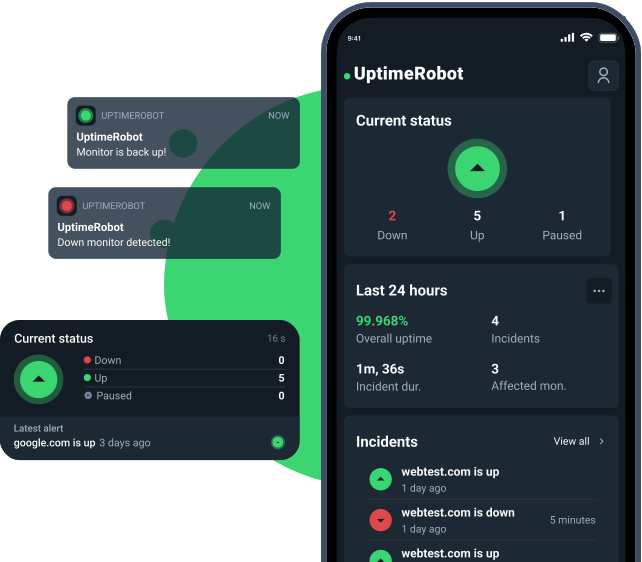
Get live push alerts, real-time stats, and a glanceable home-screen widget, anytime, anywhere.

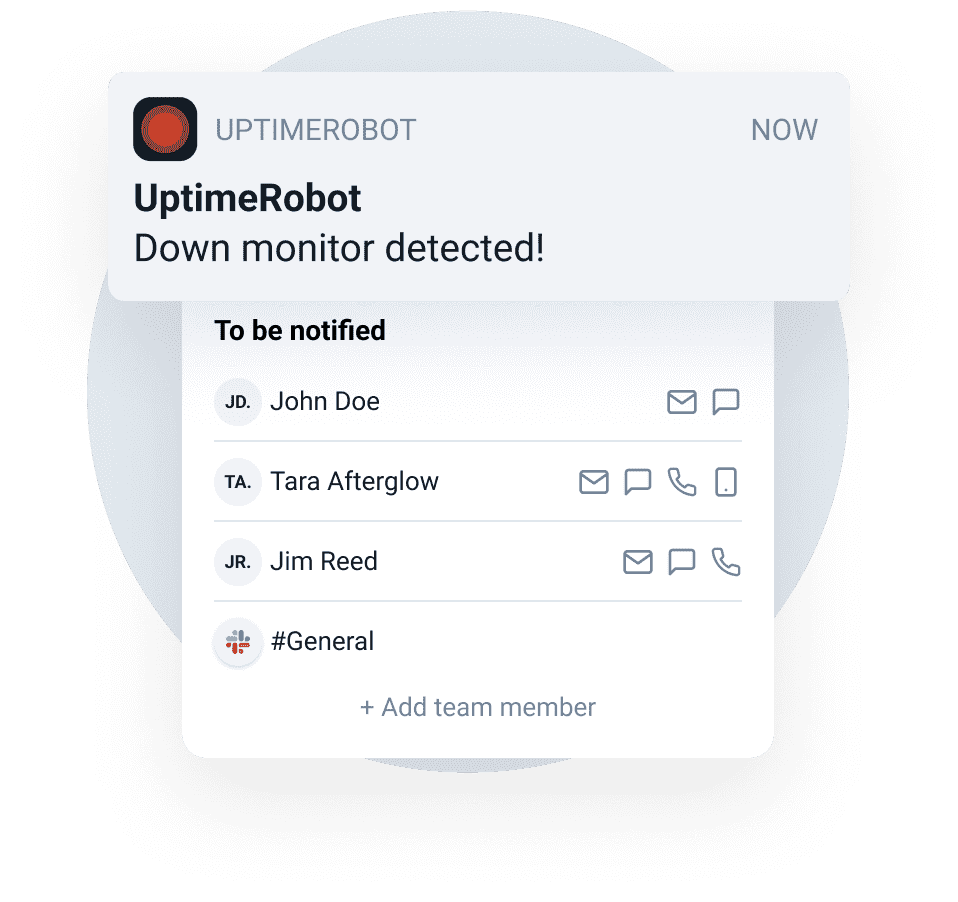
Instant push notifications.
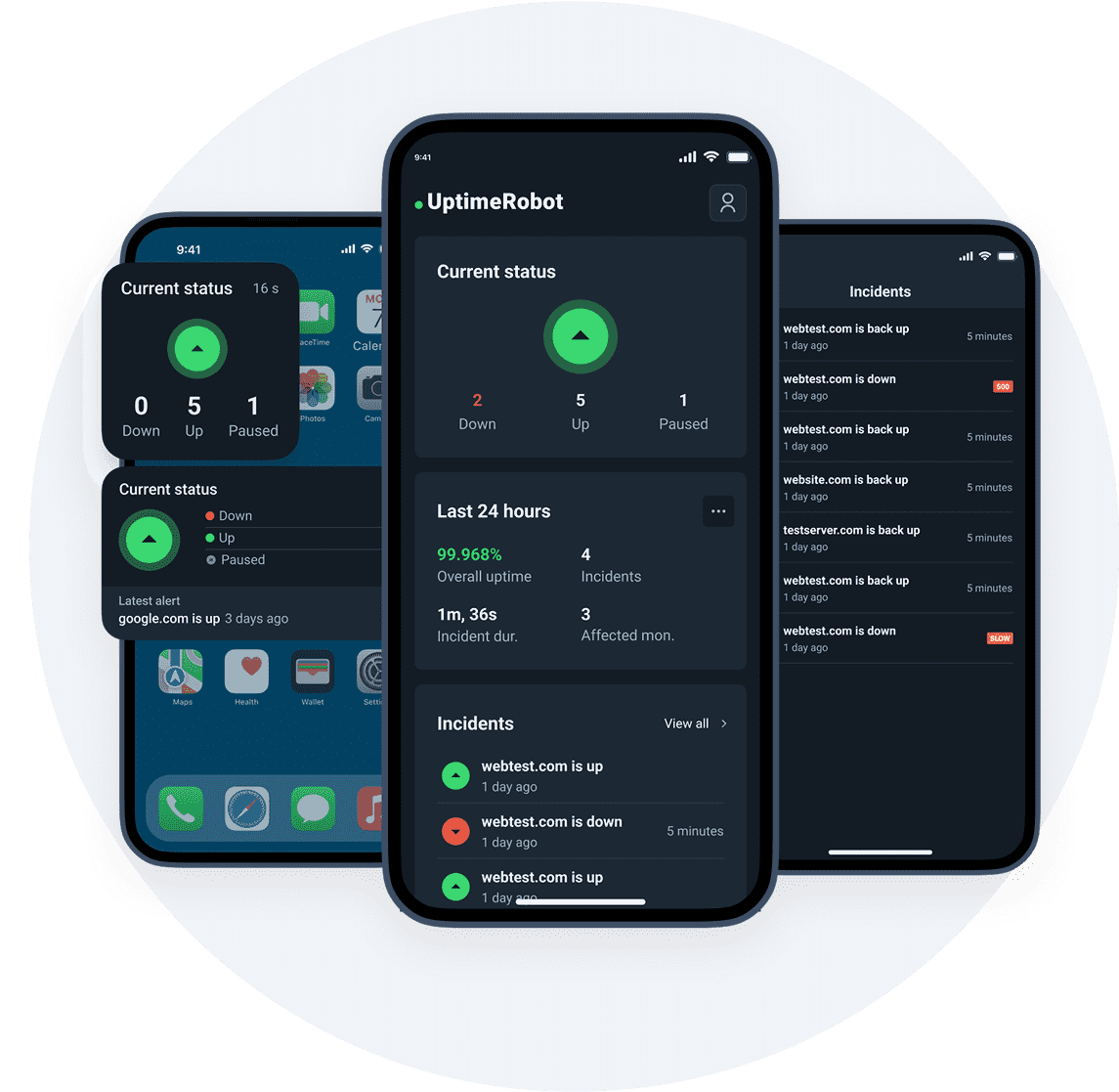
Get real-time alerts the moment a monitor goes down (or comes back up) so you can intervene before users feel the pain.
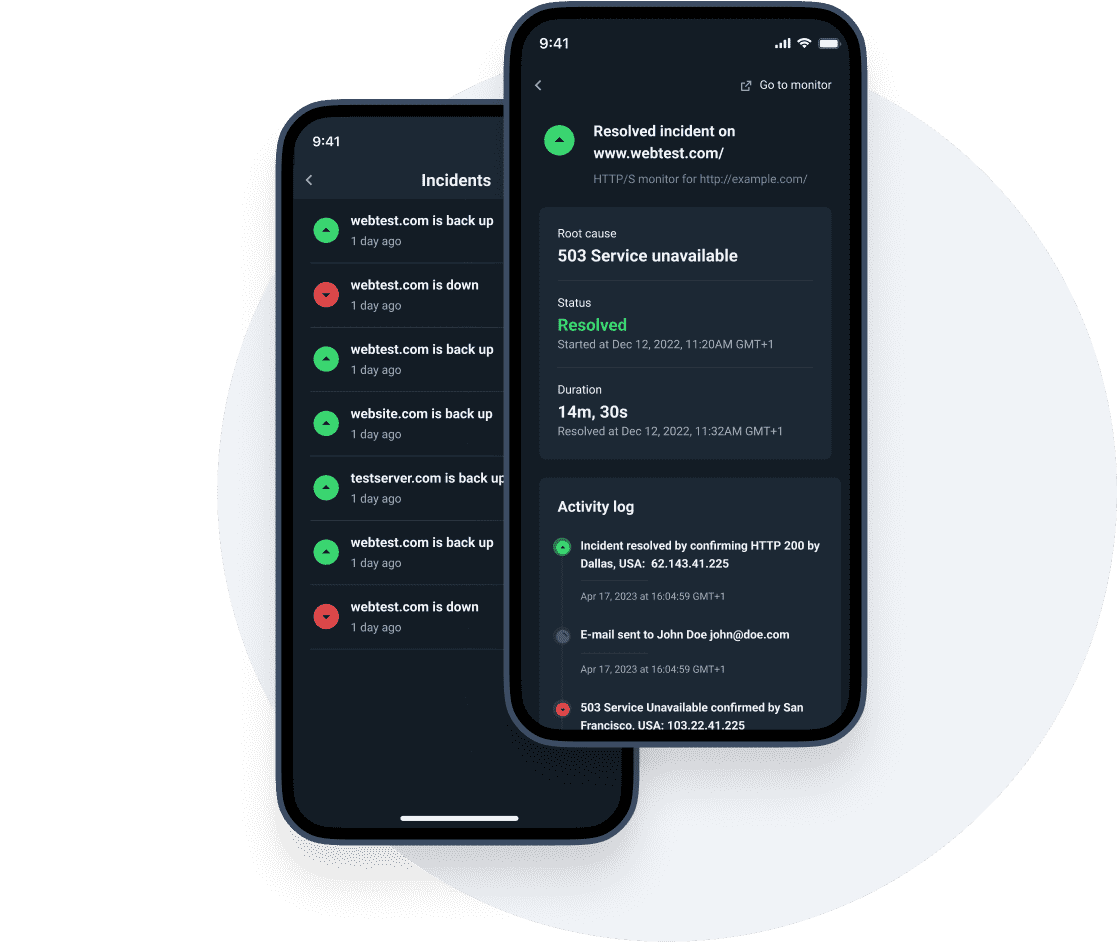
Check stats anytime.
Access an overview of all your monitors and recent alerts. Tap any item to view full incident details or filter the data.
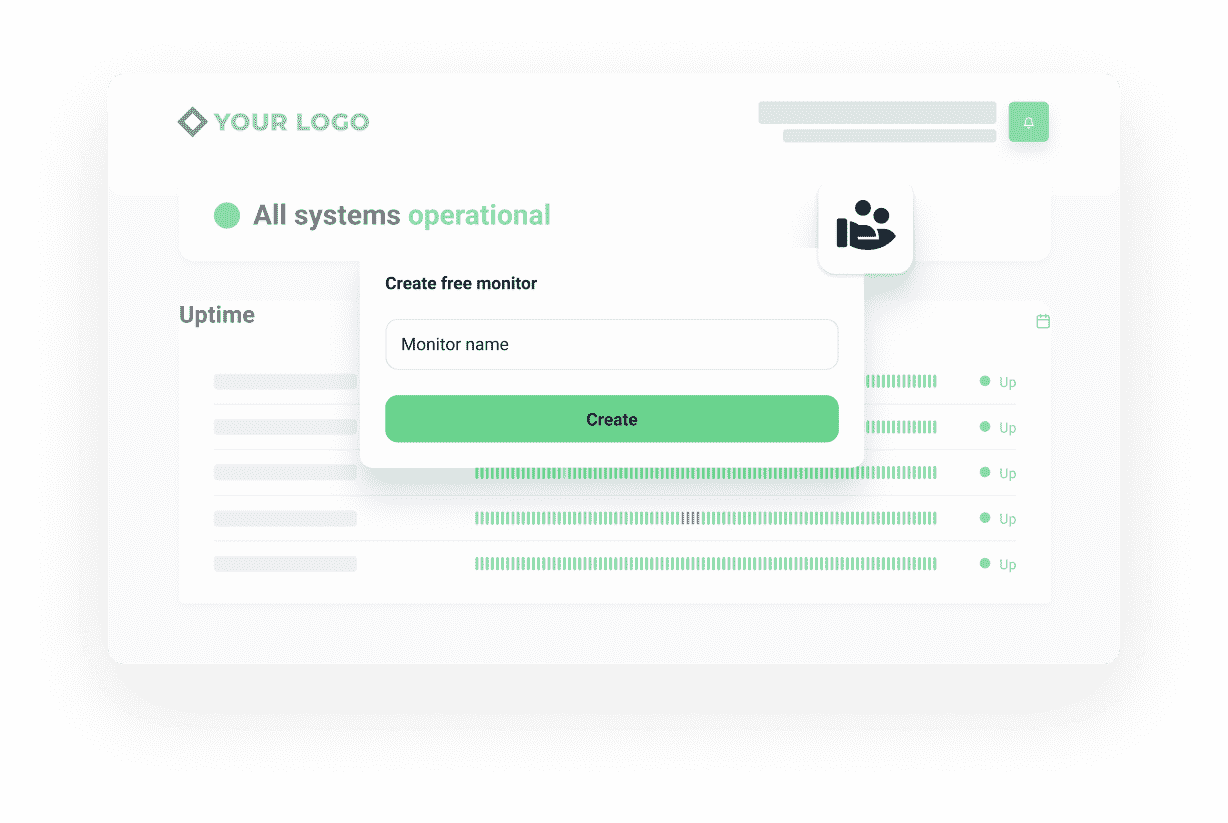
Generous uptime monitoring free plan.
All plans can use the app. Register with just your email address and set up 50 uptime monitors that check every five minutes.
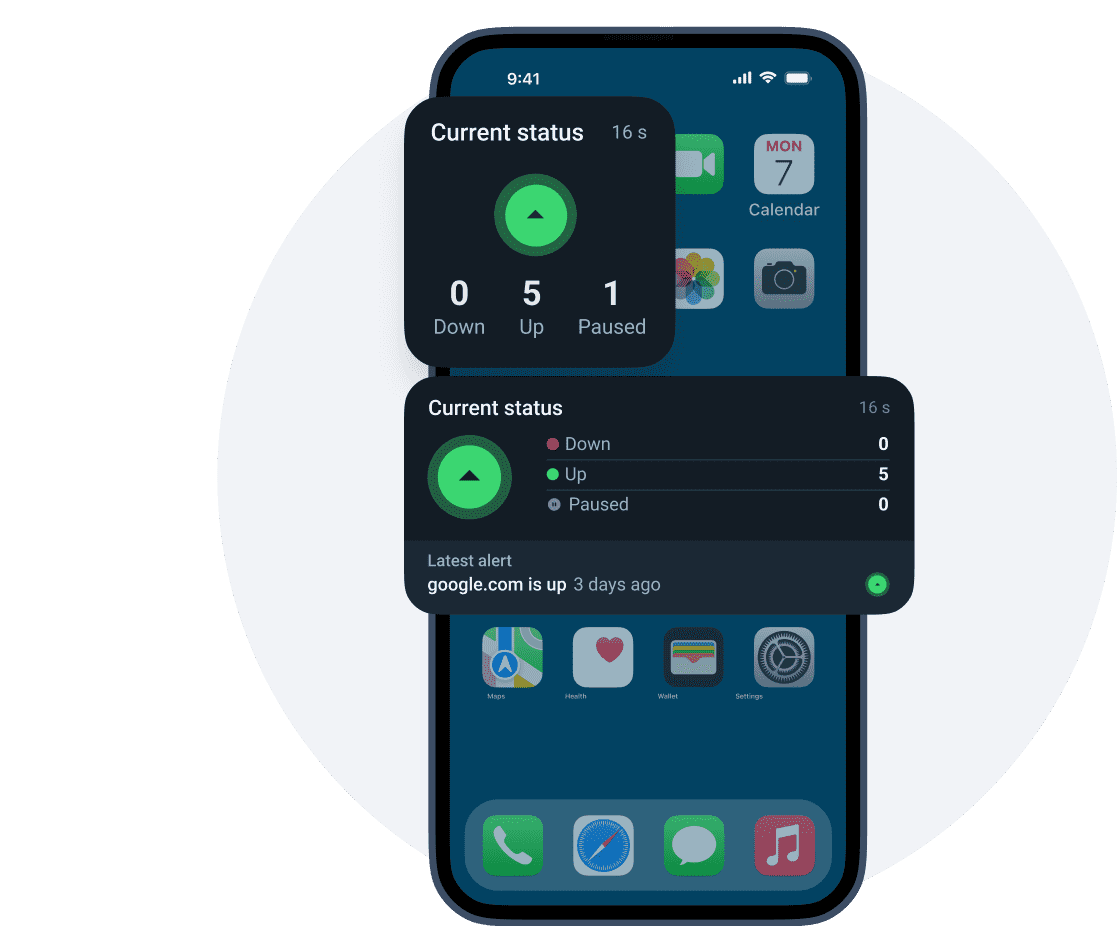
Homescreen widget for iOS and Android.
Drop your site’s overall uptime right onto your phone’s home screen. The widget shows your current availability percentage along with recent incident counts.
Advanced options and settings.
 Custom alert sounds
Pick distinct tones for DOWN and UP.
Critical-alert mode (iOS)
Override Do Not Disturb so you never miss a major outage.
Sub-user alerts
Receive push notifications for monitors shared with your team.
Buy SMS / Call credits
Top up without leaving the app.
Why over 3.2M+ users trust UptimeRobot.
This app is great
I’ve been using their services for years and it has always been great and helpful for me. Their website/app looks great, they seem to take a lot of pride delivering a great product with beautiful design./ Keep up the great work 👍
 piet778
Very good monitoring
"I started with the free plan to test several points (IPv6, SSH on a non-standard port, etc.). Everything worked immediately with just a few clicks, which made me want to switch to the paid plan — both to support the developer and to enjoy the extra features. I also contacted support — top-notch responsiveness (3h!) and the issue was resolved immediately. Then I installed the iOS app and I’m thrilled 🥰"
deuza
Excellent free app
"The app works perfectly, the design is intuitive. Great success!"
Aurélien Izl
Works very well
"I use this app to monitor websites and it works very well. I'm very happy with this app!"
fufrhfr
I have been using UptimeRobot for years and have relied upon it to monitor my network status. It has always been reliable and easy to use. The newly-redesigned app is a big upgrade. It is smoother, cleaner and offers new features. The ability to add push notifications for events from within the app is a welcome addition. There is also a nice web-based interface which allows you to dig deeper into your system monitors. UptimeRobot has always been an important component of my network. The new interface makes it even easier to recommend.
 TWF
TWF
I used the free monitors on my system for years. Simple HTTP request every few minutes was enough to know if the Internet could see my servers. Easily configured SMS, e-mail, and app alerts sent messages to my phone and systems on other networks. I upgraded to pro for more frequent alerts after the new version of the app made it even easier to see the current state of my monitors and recent activity. Now I get warned of an outage when rebooting my router or a server, which sometimes were missed in the delays. Care setting up the monitors, and remembering to use an e-mail address not served by the connection that could be down, makes monitoring a lot of nodes, apps, and services very easy and responsive.
Jeffery “jekewa” Warren
Quick-start your mobile experience.
Download & log in
Use your existing UptimeRobot account.
Enable push alerts
Allow notifications on first launch.
Add the widget (optional)
Long-press your home screen and select UptimeRobot.
Frequently asked questions.
How do I start using the UptimeRobot mobile app with my existing account?
Download the app, log in with your UptimeRobot account, and allow notifications when prompted. You’ll immediately see your monitors, recent alerts, and uptime stats. If you want the at-a-glance view, add the home-screen widget after you’re signed in.
Why am I not getting push notifications for DOWN/UP events?
Most missed alerts come from OS settings: notifications disabled for the app, Focus/Do Not Disturb enabled, or battery/background restrictions (common on Android). Open your phone’s notification settings, allow alerts, and make sure UptimeRobot can run in the background. On iOS, “Critical-alert mode” can override Do Not Disturb if you enable it in the app and approve it in system settings.
Can I create or edit monitors from the mobile app, or is it view-only?
Yes, you can. Also, you can use the app to stay on top of incidents with real-time alerts and monitor stats, then drill into a monitor to review details. For deeper changes (bulk edits, advanced configurations), it’s faster and more convenient to set up in the web dashboard and use the app for on-the-go visibility and responsiveness.
What does the home-screen widget show, and what should I expect it to display?
The widget is designed to be “glanceable”: it shows your current up, down, paused counts, and recent incidents at a high level. If you need the full timeline and incident details, tap into the app to see the monitor’s event history and recent alerts.
Does the mobile app work on the free plan?
Yes, every plan can use the app, including the free plan. You can register with an email address and set up 50 monitors with 5-minute checks, then manage alerts from your phone. If you upgrade later, the app continues to work with your existing monitors and settings.
Can I use different sounds for DOWN vs UP alerts?
Yes, by design, DOWN notifications are sent as critical alerts and should already have a different system tone from regular notifications. For the UP alert sounds, you can use your default notification tone or set a custom one, so UP events are instantly distinguishable from other notifications.
What should I do to keep alerts reliable when I’m traveling or switching networks?
Keep an eye on notification permissions and background restrictions after OS updates, device migrations, or battery-saver changes. If you also rely on email alerts, use an address that won’t go down with the same connection you’re monitoring. For critical services, consider enabling stronger alert behavior (like critical alerts on iOS) so outages don’t get buried.

 Incident management
 IT alerting software
 Status pages