The best Site24x7 alternative for straightforward uptime monitoring.
Monitor websites, IPs, APIs, ports, keywords, SSL certificates, domains, and cron jobs from one clean dashboard.





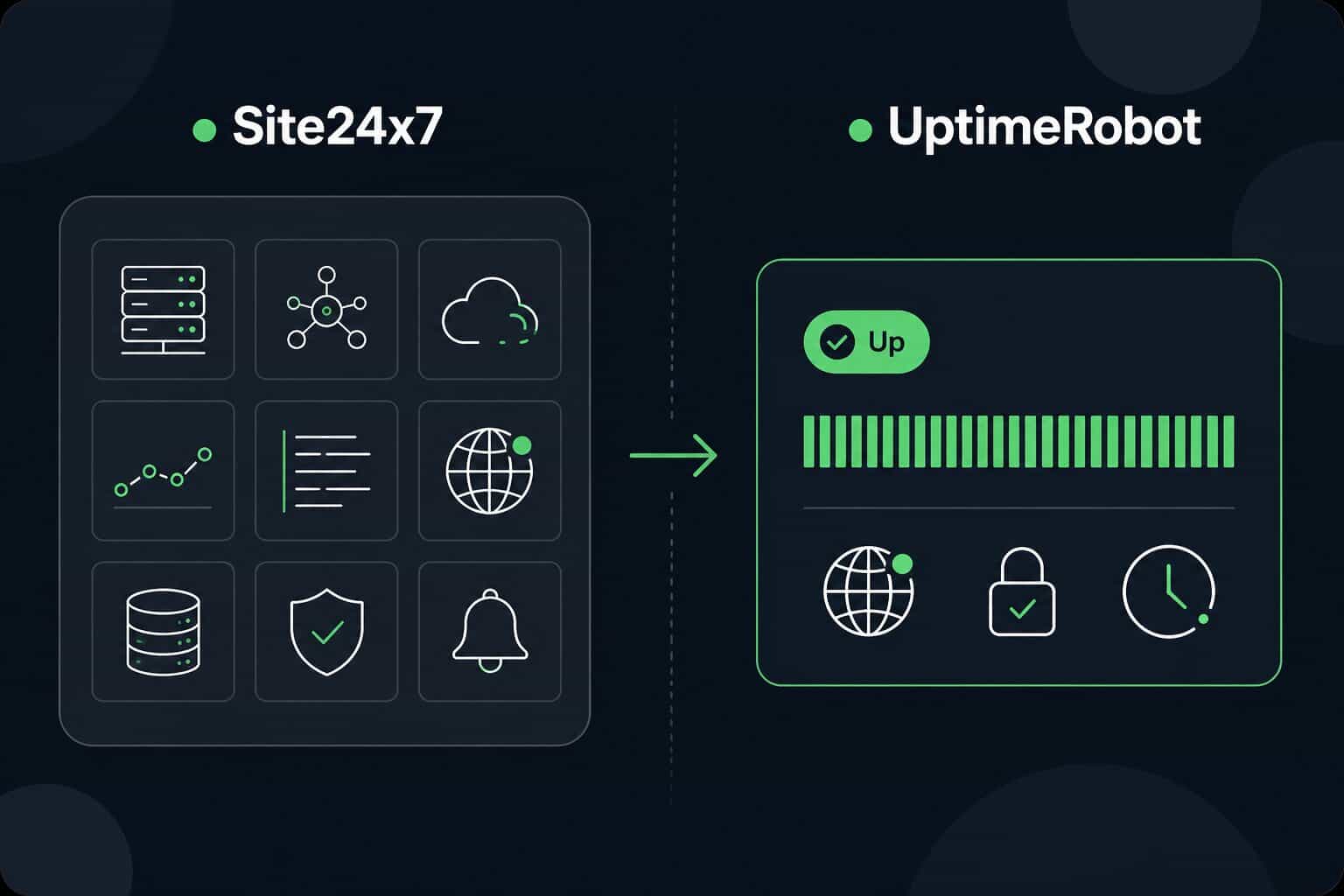
What is Site24x7?
Site24x7 is an all-in-one monitoring and observability platform for IT, DevOps, and infrastructure teams. It covers website monitoring, server monitoring, network monitoring, application performance monitoring, real user monitoring, log management, and cloud monitoring.
That broad feature set is useful if your team needs monitoring across a larger IT stack. But if your main goal is simple uptime monitoring, fast alerts, and clear incident communication, it can be more than you need.
It can also make pricing harder to compare and more expensive than necessary for straightforward uptime monitoring.
UptimeRobot takes a straightforward approach. You get a free plan with 50 monitors, and paid plans start at $9/month with 1-minute monitoring intervals and 10 monitors. It covers the uptime monitoring essentials, including websites, APIs, ports, keywords, SSL certificates, domains, and cron jobs, without adding extra complexity for teams that don't need server health monitoring or full-stack observability.
Why should you consider UptimeRobot over Site24x7?
UptimeRobot is a great choice if you're looking for an affordable monitoring solution packed with features and integrations.

Easy-to-use web and mobile app
UptimeRobot is user-friendly and does not require any technical expertise to use. Setting up and editing monitors or status pages can be done with just a few clicks.

Up to 3 times lower prices than Site24x7
UptimeRobot is a more affordable alternative to Site24x7. For example, you'll save $60 with 100 monitors from UptimeRobot. Or keep the FREE plan forever.

Available live chat for everyone
No matter if you're a free or paid user, we're always happy to help. Our average initial chat response time is around 2 minutes, so getting assistance is quick and easy.
Don't just take our word for it.
It's the most simple and easy monitoring app I know and it's made my daily life much easier.
I use UptimeRobot to get push notifications whenever my website goes DOWN. It's really easy and quick to set up and requires no extra changes to your website.
 @marckohlbrugge, maker of BetaList.com, StartUp.jobs and others
We strive for minimal downtime, but if something goes wrong UptimeRobot makes sure that we know about it quickly. We switched to using UptimeRobot years ago as they offered the same services we were getting from a different provider but at a fraction of the cost.
I've been using UptimeRobot for years as a cost-effective way to quickly alert me when my sites were down - and when they were back up.
 @levelsio, maker of NomadList.com, RemoteOK.io and others
 ~ Steve "ardalis" Smith, Software Architect
UptimeRobot vs. Site24x7: Quick comparison.

 10 minutes
 5 minutesNo SMS/Calls/3rd party integrationsUp to 6 integrationsNot for free usersLive chat for everyone40 monitors / $35 / month50 monitors / $0 - $15 / month$89 / month$33 / month - 3x lower price!IncludedIncludedNot availableIncludedNot availableIncludedNot availableIncludedExtra paymentIncluded
The UptimeRobot user interface is notably more transparent and easier to navigate than that of Site24x7. UptimeRobot is also 3-4 times less expensive. Focus on what's important and don't waste time searching for the right settings.
How to switch from Site24x7 to UptimeRobot
You can use UptimeRobot's bulk import feature to import your monitors. If the columns don't line up, you can ask an AI tool to convert your Site24x7 export into the UptimeRobot template before uploading it.
1. Export from Site24x7
Site24x7 lets you export monitor configurations as a CSV file inside a zip file.
2. Download the template
Find our template in the dashboard under the Monitoring tab - dropdown next to the blue "New" button. Use it to prepare monitors for bulk upload.
3. Convert the file
Match your Site24x7 export to the UptimeRobot template. You can also ask an AI tool to reformat the CSV for you.
4. Upload to UptimeRobot
Import your monitors in bulk, set up alerts and notification channels. That's it!
Our support team is available to all UptimeRobot users, so you don't have to handle the move alone. Let us know if you need any help!
Integrations: Site24x7 vs. UptimeRobot.
Site24x7 lacks some 3rd party integrations. 👎
UptimeRobot offers social platforms like Discord, and Google Chat. DevOps integrations like Pagerduty and webhooks are also available.

Slack

Zapier

PagerDuty
Integration guide

Splunk On-Call

Telegram

Webhooks

Discord

Pushbullet

Microsoft Teams

Google Chat

Pushover

SMS
What makes UptimeRobot unique?
status page
Site24x7 has
additional pricing 👎
for status pages.
To get more status pages from Site24x7, you must have a paid subscription which is limited to 3 status pages across all plans. This entails an additional cost of $10 per status page to a monthly fee that's already 3-4 times higher than UptimeRobot’s.
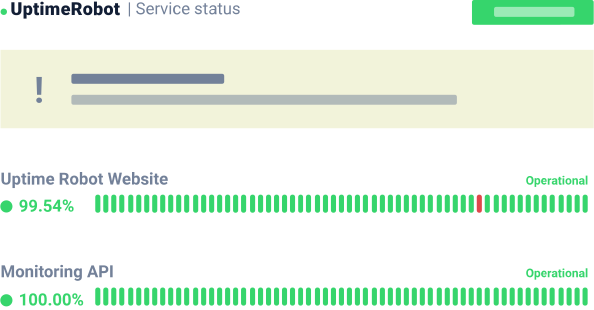
Superior FREE plan.
While both Site24x7 and UptimeRobot offer a free plan, Site24x7’s is more limited. For example, there are no dashboards or reports available, no 3rd party integrations, no SMS/Calls, and no support. UptimeRobot's free plan includes all of these.
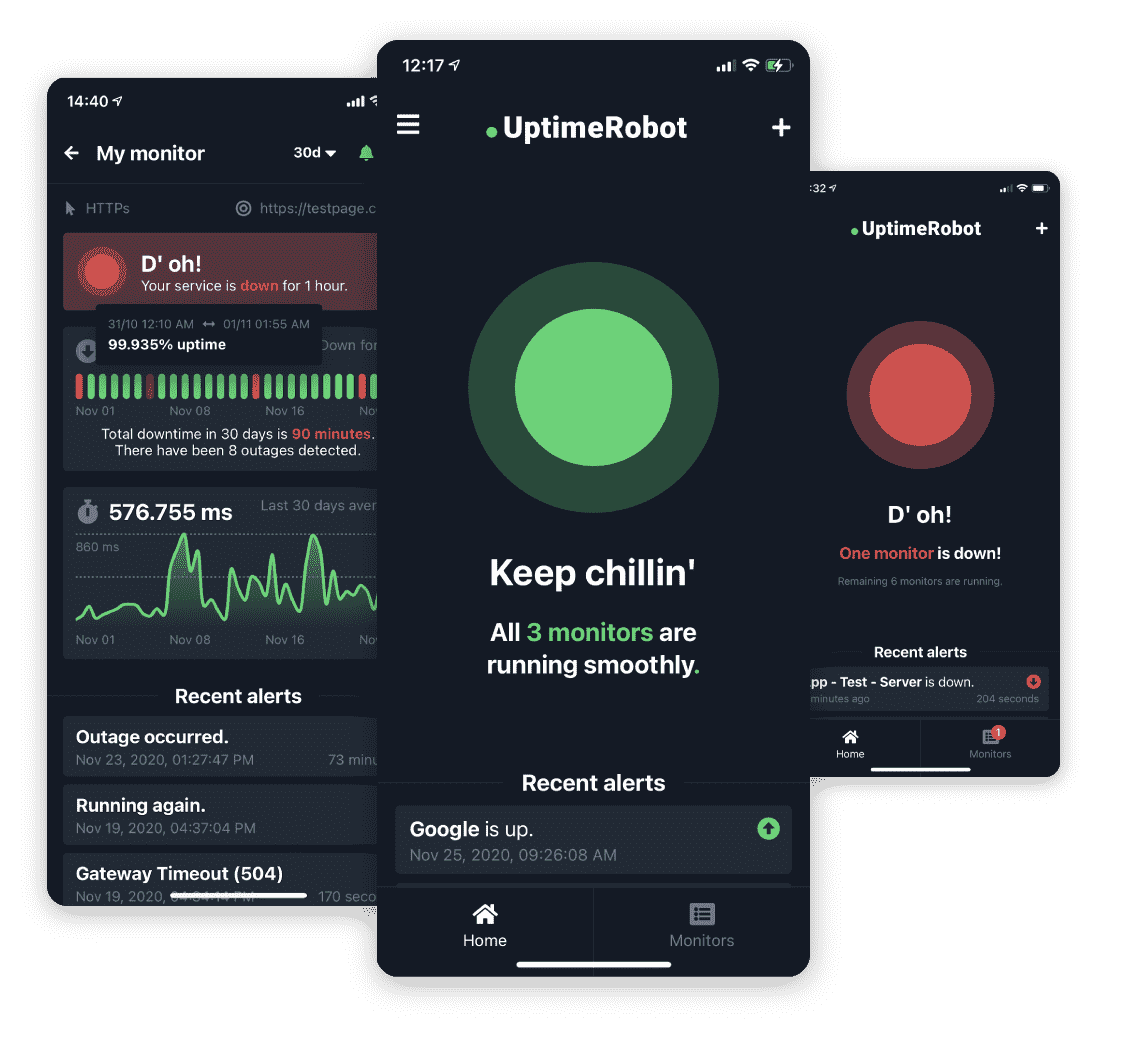
Clean and modern
interface.
UptimeRobot is designed with users in mind. Without any technical knowledge, everything you need is a few clicks away. The UptimeRobot mobile app for iOS and Android offers all important features and settings, including critical alerts for iOS.
Available and responsive live chat
UptimeRobot live chat is reachable from the interface and all websites. The average response time is 2 minutes and we're also fast in replying to emails.
No technical knowledge needed
Using UptimeRobot doesn't require any expertise in DevOps or other technical fields. All you need is your website, IP address, or whatever else you want to monitor.
Cheaper SMS/Call credits without expiration
Although UptimeRobot and Site24x7 have different pricing models, both have the option to buy credits separately. Purchasing additional credits is nearly half the price with UptimeRobot. For example, 500 extra credits with Site24x7 come at a cost of $100, whereas UptimeRobot charges only $55.
More flexible monitoring
Set your monitoring intervals according to your needs. We'll be monitoring your service every minute and every 5 minutes in the FREE plan for up to 24 hours. Site24x7’s FREE plan has 10-minute intervals.
Why people love UptimeRobot.

Using for over 7 years
The features of the Uptime Robot App & Dashboard are excellent. Since we have begun working with them for several years now, there have been no problems. Everything is simple to set up and utilize, which is great for our business's digital marketing efforts and the numerous clients we serve.
The personnel is courteous and really helpful, and the customer service is excellent as well. Absolutely no complaints! Great Application.
Great app for outside monitoring
We've been using it for more than half a year now and not long ago have bought a paid subscription. Great app design, a lot of monitoring customization features, huge amount of alerting pipelines ranging from email and push notifications to pagerduty and even telegram. And on top of that a wonderful support service, who helped find a couple of solutions for a problem just within 24h. Definitely would recommend.
Great product reasonably priced.
It is nice to know that my sites are up and you can't be the pricing. I run several sites for clients and it is a good feeling to know that their sites are up.
Intuitive UI with excellent free 50 monitors offering.
Generous 50 free monitors set at 5 min intervals.
Great product; great support!
Generous 50 free monitors set at 5 min intervals.
Simple, FREE, and reliable monitoring service
- This service is very simple while providing lots of features
- Free tier offers a lot of great features
- Reliable service
- Paid tier for more advanced features
Great experience so far
Return on investment is great. We can setup our own status pages with both public and internal ones being able to show us different details.
UptimeRobot is 100% effective and very user friendly! Great partner
It is easy to create a monitor, besides UptimeRobot has all the types of monitors someone needs to assure that our service/site is up. Allows integration tests.
Excellent service and customer attention!
We love the simplicity and flexibility of the service. With the dashboards we now keep an eye on all our systems to guarantee a good uptime.
Save about
75%
with UptimeRobot.
Compared to Site24x7, UptimeRobot offers far more bang for your buck, with more monitors at a better price. For example, you’d pay almost 4 times more for 500 monitors with Site24x7.
Prices are displayed per month, assuming one-time annual payment. VAT Excluded.
UptimeRobot vs Site24x7: FAQ
- What is Site24x7?
Site24x7 is an all-in-one monitoring and observability platform. It covers website monitoring, server monitoring, network monitoring, application performance monitoring, real user monitoring, cloud monitoring, logs, and status pages.
- What is the best Site24x7 alternative?
UptimeRobot is one of the best Site24x7 alternatives if you need simple uptime monitoring, clear pricing, fast setup, and public status pages. It's a better fit for teams that don't need a full observability platform and mainly want to monitor websites, APIs, ports, keywords, SSL certificates, domains, and cron jobs.
- Which Site24x7 alternative is best for uptime monitoring and observability?
It depends on what you need. UptimeRobot is best if uptime monitoring is the main priority. Site24x7, Datadog, New Relic, and Better Stack may be better fits if you need broader observability, logs, infrastructure monitoring, or application performance monitoring in the same platform.
- Is UptimeRobot cheaper than Site24x7?
For many uptime monitoring use cases, yes. UptimeRobot has a Free plan with 50 monitors and 5-minute intervals. Paid plans are based on monitor count, which makes costs easier to understand as you scale.
- Can I move from Site24x7 to UptimeRobot?
Yes. Most uptime checks can be recreated in UptimeRobot using HTTP(s), Ping, Port, Keyword, Cron/Heartbeat, SSL, and Domain monitoring. You can also rebuild alert routes and public status pages inside UptimeRobot.
Get your FREE account now, 50 monitors included!
Start monitoring in 30 secondsNo credit card required!
Available also on:



 Incident management
 IT alerting software
 Status pages