


Join 3.2M+ users who trust UptimeRobot
Over 3.2M+ users trust UptimeRobot.
Meet the #1 uptime monitoring service.
- 50 monitors for free
- 20+ integrations
- Real-time alerts, web & mobile
- Public status pages
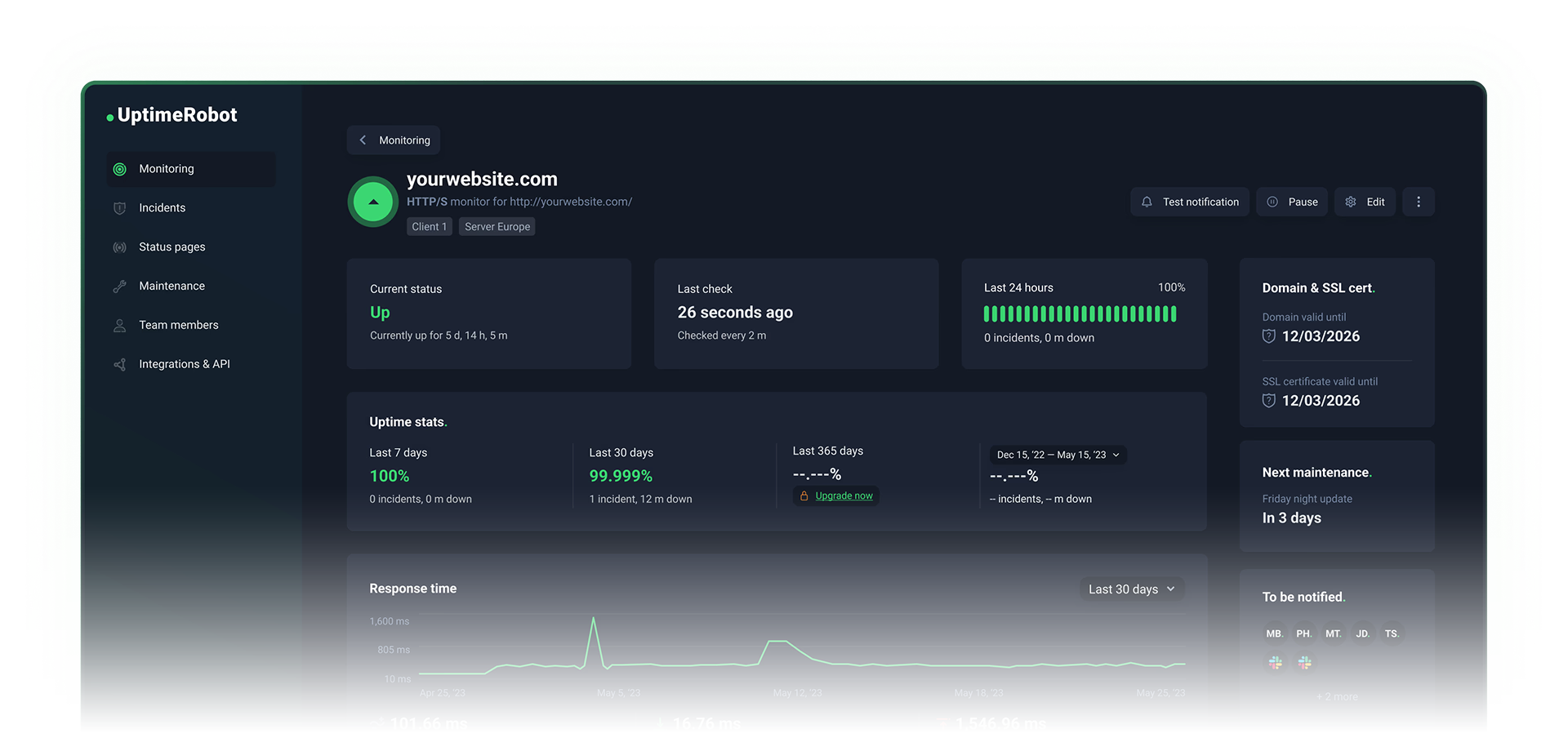









Catch downtime before your users do.
Monitor uptime, SSL certificates, ports, and cron jobs in real time. Set up monitors in minutes, get instant alerts when something breaks, and integrate with your existing workflow effortlessly.
Website monitoring
Monitor any HTTP(s) endpoint or page
Keyword monitoring
Get alerted if a keyword appears or disappears
Ping monitoring
Make sure your server or any device in the network is always available.
Port monitoring
Useful for SMTP, POP3, FTP, and other services running on specific TCP ports
Cron job monitoring
Know if a scheduled job fails or goes missing
DNS record monitoring
Catch unauthorised DNS changes early
Trusted by over 3.2M+ developers and teams.

"Thanks to monitoring thousands of domains, WordPress VIP improved response times and performance while also saving on infrastructure costs."


"ConfigCat significantly enhanced the user experience and trust by making UptimeRobot and live alerts an essential part of their uptime monitoring."


"UptimeRobot is now part of our core tools for monitoring. The integration with Slack and the Mobile application allows us to have information on what is happening and resolve incidents as fast as possible."


"For critical services , uptime is crucial. UptimeRobot notifies us instantly when there’s downtime or degraded performance, allowing us to respond efficiently."

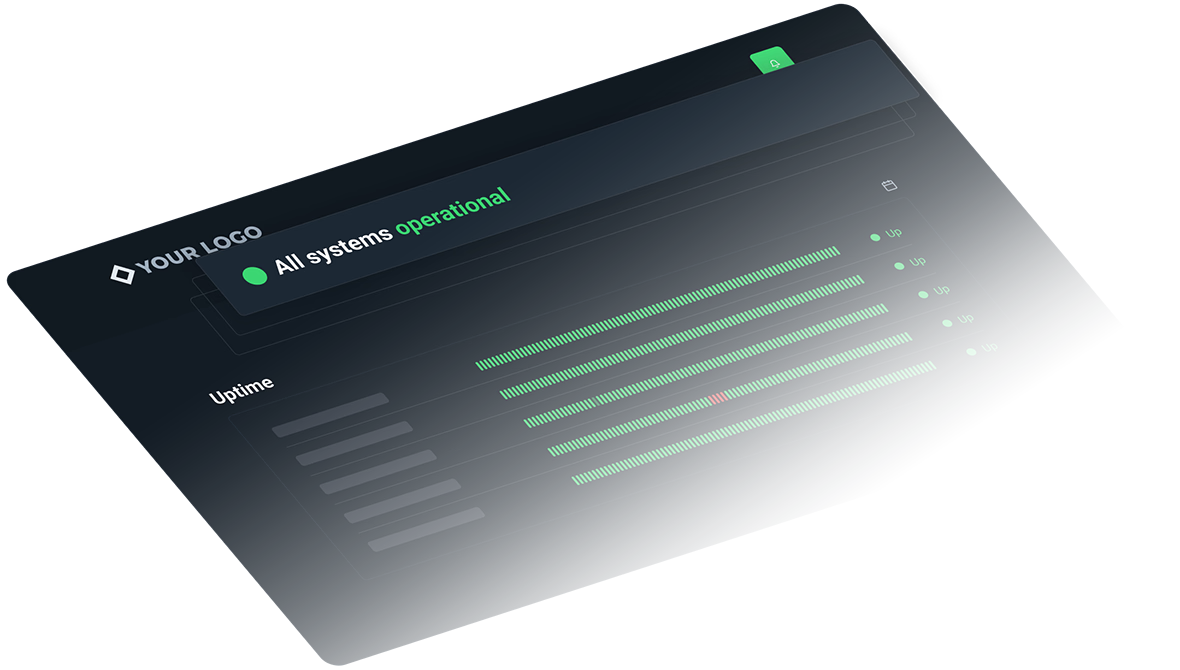
Real-time status pages for your website, API, or service.
Create branded, real-time status pages to share uptime, incidents, and maintenance updates — no extra tools required. Keep your users informed and automatically reduce support tickets.
- Custom domains & branding
- Incident history
- Embed monitors automatically
- Password protection & private pages

Start monitoring in seconds.
Seriously.
Start monitoring any website, API, or server in seconds. Our intuitive dashboard, powerful API, and detailed documentation make setup effortless.
- Easy-to-use dashboard
- One-click status page setup
- Detailed reports & downtime insights
- Intuitive mobile app
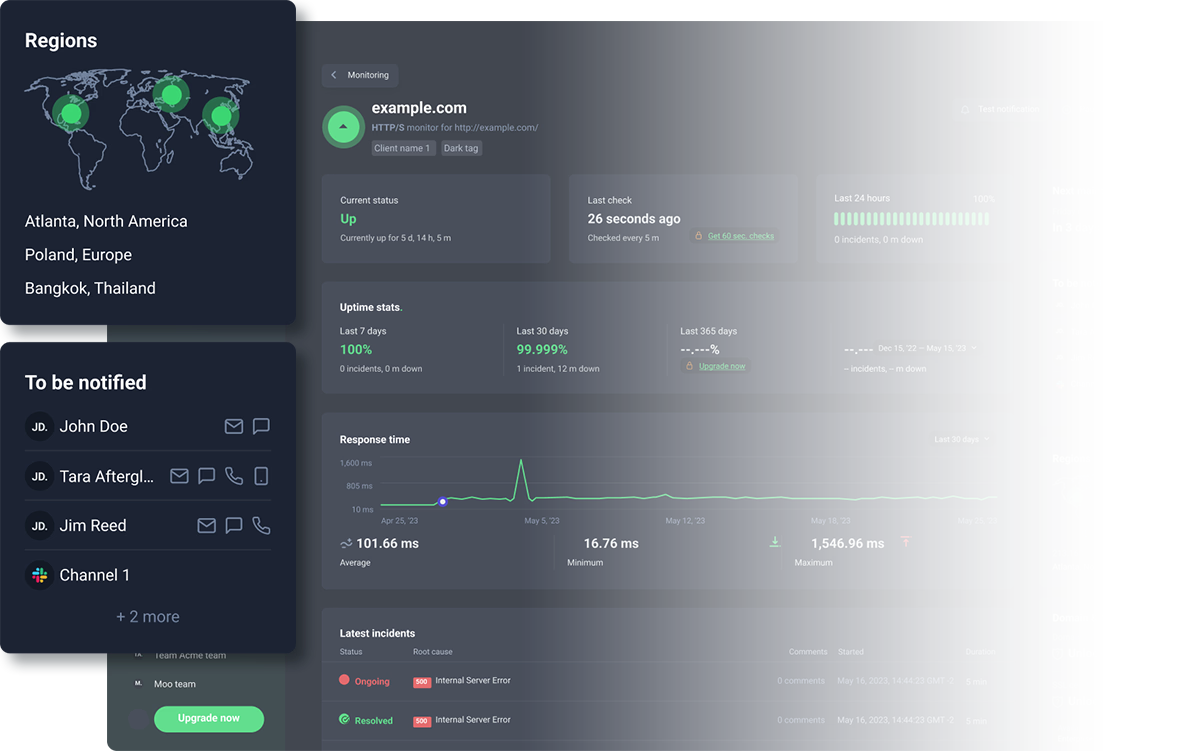
Deep insights. Full control. Zero blind spots.
Multi-location checks
Verify uptime from multiple global locations to eliminate false positives.
Learn moreResponse time alerts
Incident management tools
Role-based team access
Maintenance windows
Go beyond simple uptime checks with advanced monitoring, incident management and access built for scaling teams.


Need more than 1,000 monitors? Get an enterprise demo.
- 30-second check intervals
- Unlimited status pages
- SOC 2, CCPA, GDPR compliant
- Dedicated success manager

Frequently asked questions.
UptimeRobot is an uptime monitoring service that continuously checks websites, APIs, and other endpoints. It alerts you when anything goes down, degrades, or changes. So you can stay on top of your systems' current states and identify issues before your users do.
UptimeRobot also provides tools to transparently communicate the real-time status and reliability of your systems, and proactively manage incidents when they happen.
An uptime monitor is a single tool that repeatedly verifies a target webpage or service is online and working as expected.
When an uptime monitor detects a problem, it instantly sends alerts (via email, SMS/IM, call, etc.) so you can respond quickly. It also records incidents with timestamps and details in your dashboard so that you can track reliability over time.
Uptime monitors support various monitoring types (HTTP, Ping, Port, Keyword, DNS, Heartbeat), targets (URL/IP/Port), and alerting rules (including escalation).
- Sign up to create a free UptimeRobot account
- In the dashboard, click Add New Monitor
- Choose HTTP(S) as the monitor type and enter the website URL
- Set the monitoring interval and any optional settings you care about (timeouts, redirects, keyword checks)
- Add your preferred notification channels (email, push, Slack, SMS, etc.) and save the monitor
- Optionally: create a status page
- Sign up and create a free UptimeRobot account
- Create your first monitor (so there's something to display)
- Go to Status Pages and click Create Status Page
- Select the monitors (or tags) you want to show, then name the page
- Publish your status page
- Optionally: customize the design, set a custom domain, password-protect it, opt out of search engine indexing, and use announcements for incident/maintenance updates (users can subscribe with email right on your status page).
With UptimeRobot, you can monitor any website, API, server, application, service, network, or endpoint, whether it’s yours, a third-party vendor’s, or a dependency you rely on. Additionally, UptimeRobots supports these monitor types:
- HTTP/HTTPS
- Keywords in server responses and on-page
- Ping
- Port
- Cron jobs/heartbeats
- Website change detection
- Response time
- DNS changes
- SSL certificates and domain expiry
The variety of monitor types lets you track availability, response behavior, certificates, scheduled jobs, and infrastructure changes from one place.
UptimeRobot can check your site and other endpoints as often as every 30 seconds and as infrequently as every 5 minutes, depending on your monitor's settings. The available monitoring intervals in your account also depend on your plan:
- Free: every 5 minutes
- Solo/Team: every 60 seconds
- Enterprise: every 30 seconds
Faster intervals improve time-to-detect, but can create more noise if your endpoint is flaky or the network is unstable.
Yes, UptimeRobots supports location-specific monitoring. With multi-location checks, you can spot regional outages, routing problems, or CDN edge issues that won't show up from a single vantage point. It's especially useful for DNS and security scenarios where failures can first appear in one location.
Add one or more notification channels and associate them with your monitors. The available personal channels include Email, SMS, Voice Call, Mobile App Push, and Email-to-SMS; and the integrations include Telegram, Slack, Microsoft Teams, Discord, Google Chat, Mattermost, PagerDuty, Splunk On-Call, Pushbullet, and Pushover. For custom workflows, you can also use Webhooks, Zapier, MCP, or API.
UptimeRobot reduces false alarms by rechecking failures across multiple checker nodes and locations before opening an incident. You can further improve signal-to-noise by white-listing UptimeRobot’s locations and IP addresses, tuning sensitivity (timeouts and delays), and using more specific checks (such as validating a keyword or expected response behavior). For planned work, use maintenance windows to pause monitoring so expected downtime doesn’t trigger alerts or affect uptime calculation and downtime statistics.

Start monitoring in 30 seconds.
There's nothing to install. No credit card required. 50 monitors for free.