Cron jobs fail in silence. A report doesn’t generate, a cleanup never runs, or a sync stops halfway through, and nothing alerts you until the damage is already done. Relying on logs or email alone makes these failures easy to miss.
This post looks at cron job monitoring tools from a practical ops angle. How they detect missed runs, handle delays, surface errors, and fit into real alerting workflows. The focus is on what actually helps when jobs don’t behave as scheduled.
You’ll see which tools work best for simple scripts versus complex pipelines, what tradeoffs to expect, and how to choose one without overengineering. If cron jobs matter to your systems, monitoring them properly is the next step.
Cron job monitoring sends you alerts if something goes wrong and the tool doesn’t receive a request from your end. They keep you informed with real-time alerts and provide multiple benefits.
Key Benefits of Cron Monitoring Tools
✅Enhanced Reliability
Cron job monitoring tools are key to improving the reliability of system operations.
When you have a tool that automatically checks scheduled tasks, you can maintain system integrity.
Automation also significantly reduces human error.
When Gartner looked at automating repetitive actions that a human would otherwise complete with a computer, it found that some businesses could save up to 25,000 hours of avoidable work annually.
✅Proactive Troubleshooting
Using cron job monitoring tools enables administrators to identify issues before they cause catastrophic consequences to your site and business.
✅Time and Resource Efficiency
Cron job monitoring tools save you time and resources by supervising repetitive tasks and notifying you if something goes wrong.
Automation standardizes the steps that need to be followed in the business process, reducing the risk of anything falling through the cracks or getting off-track.
Source: PartnerStack
So you can simply set up a task once and then free up time for people to focus on something else — while the tool collects and analyzes data for you.
✅Real-time Notifications and Alerts
Real-time notifications and alerts provide system administrators with immediate updates on the status of scheduled tasks.
These prompt alerts allow for quick responses to any issues, reducing potential negative impact both immediately and long-term.
Data from Hosting Facts shows that the average website is down three hours a month.
For small businesses, the cost of downtime per minute falls in the range of $137 to $427 per minute.
Automating tasks like website or cron job monitoring means you’ll be alerted as soon as your site experiences issues, increasing system availability and improving end-user satisfaction.
Ready to get started? Here are some of our favorite cron monitoring tools and why they need to be on your list.
Top 10 Cron Monitoring Tools
1. UptimeRobot
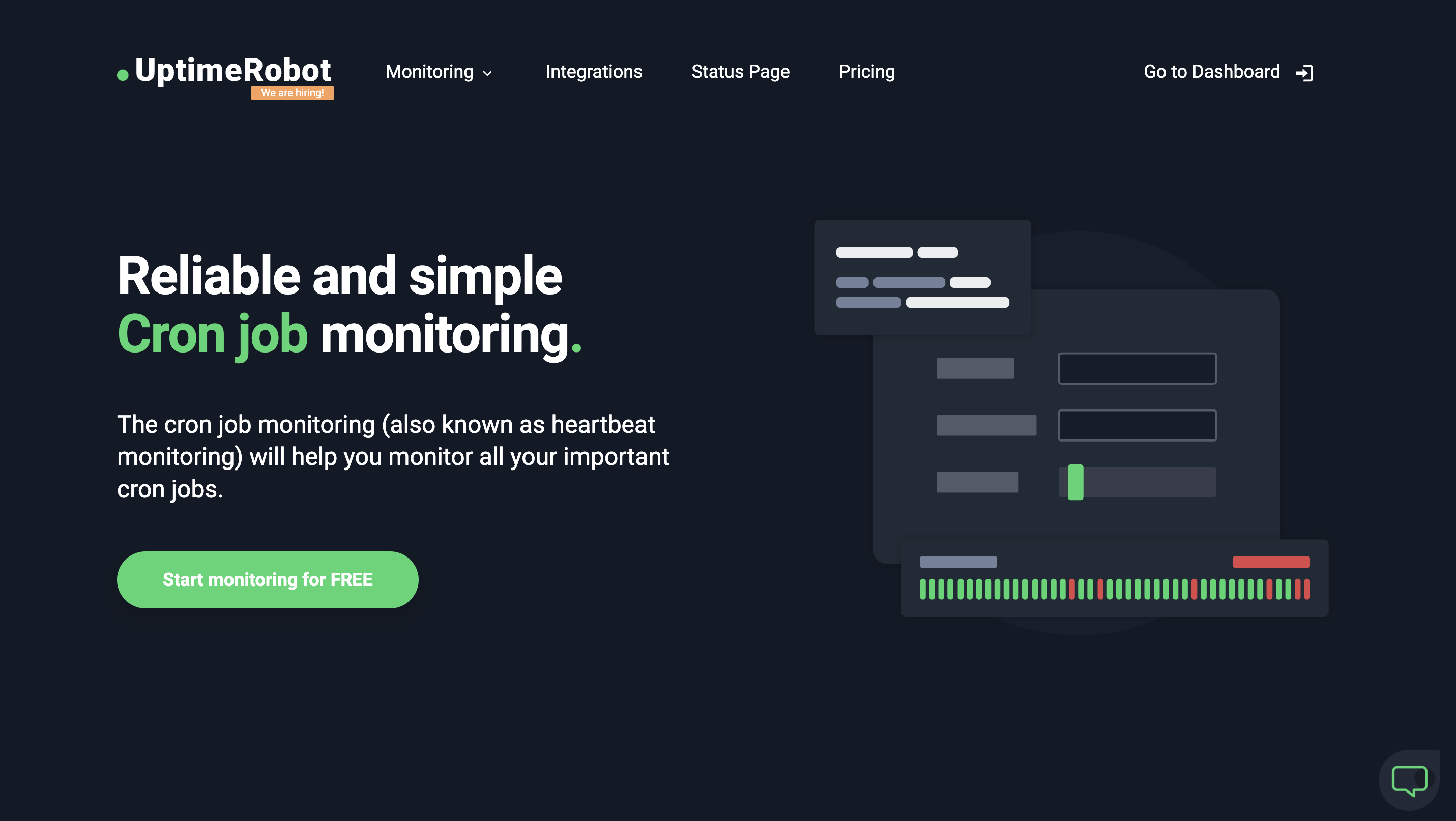
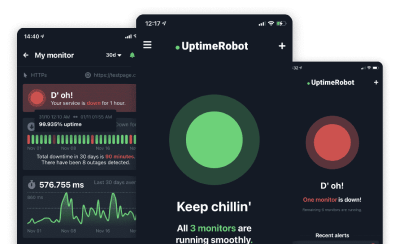
Kicking off our list is UptimeRobot, an industry favorite that offers much more than just cron job monitoring.
As a comprehensive suite of monitoring tools with advanced features, UptimeRobot has different monitoring types:
- website monitoring
- ping and port monitoring
- domain expiration monitoring
- SSL monitoring
- keyword monitoring
The Heartbeat monitor provides a unique URL address and expects the monitored item to send regular requests to this URL.
Once a regular request doesn’t arrive on time, the monitor is marked as down.
Using UptimeRobot for cron job monitoring brings multiple benefits, including up to 12 notification integrations and advanced monitoring settings. For example, you can set a grace period to avoid false positives for jobs with varying runtime.
You can also use a maintenance window for specific periods to avoid ruining your uptime.
| Pros | Cons |
| ✅10 – 1,000 or more cron jobs | ❌Dashboard design is outdated |
| ✅Up to 12 notification options | |
| ✅Customizable status pages | |
| ✅Mobile app for iOS and Android | |
| ✅Easy to use |
Get the best value with multiple features starting at $7/month for 10 cron job monitors and see for yourself.
Get 10 cron monitors for just $7
2. Cronitor
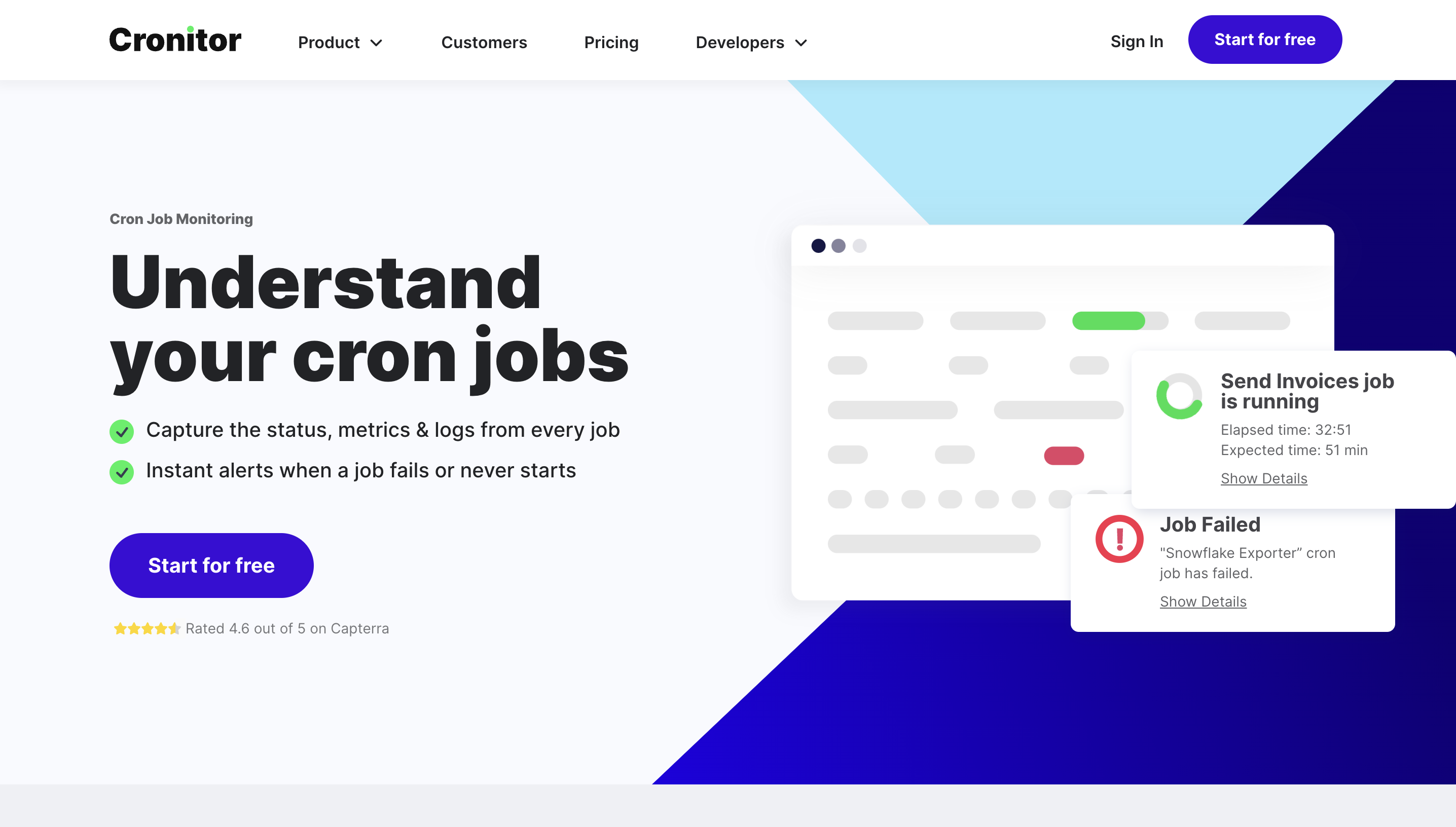
Next up is Cronitor, a cron monitoring tool that specializes in monitoring cron jobs, background tasks, micro-services, and APIs.
Cronitor also provides detailed execution histories so you can spot potential issues before they cause a problem.
Cronitor is designed to ping your application or server at the start and end of each task — so if a task is not completed within a specific period of time, it marks it as having an issue and sends out an alert.
Features:
- Captures the status, metrics & logs from every cron job
- Comprehensive dashboard for a well-organized overview of tasks
- Flexible alerting through email, SMS, Slack, PagerDuty, and webhook notifications
- API integration to seamlessly blend with your existing systems
Cronitor has a free basic plan that gives you access to five monitors and basic email and Slack alerts. Paid plans start at $7 per month, and offer unlimited API requests, 8+ alert integrations, and 6+ months data retention.
| Pros | Cons |
| ✅Unlimited monitors for the team plans | ❌Not many options for customization of email alerts |
| ✅Customizable reports | ❌Basic plan is very limited |
| ✅SSL certificate monitoring | ❌No iPhone/Android platforms supported |
3. Healthchecks.io
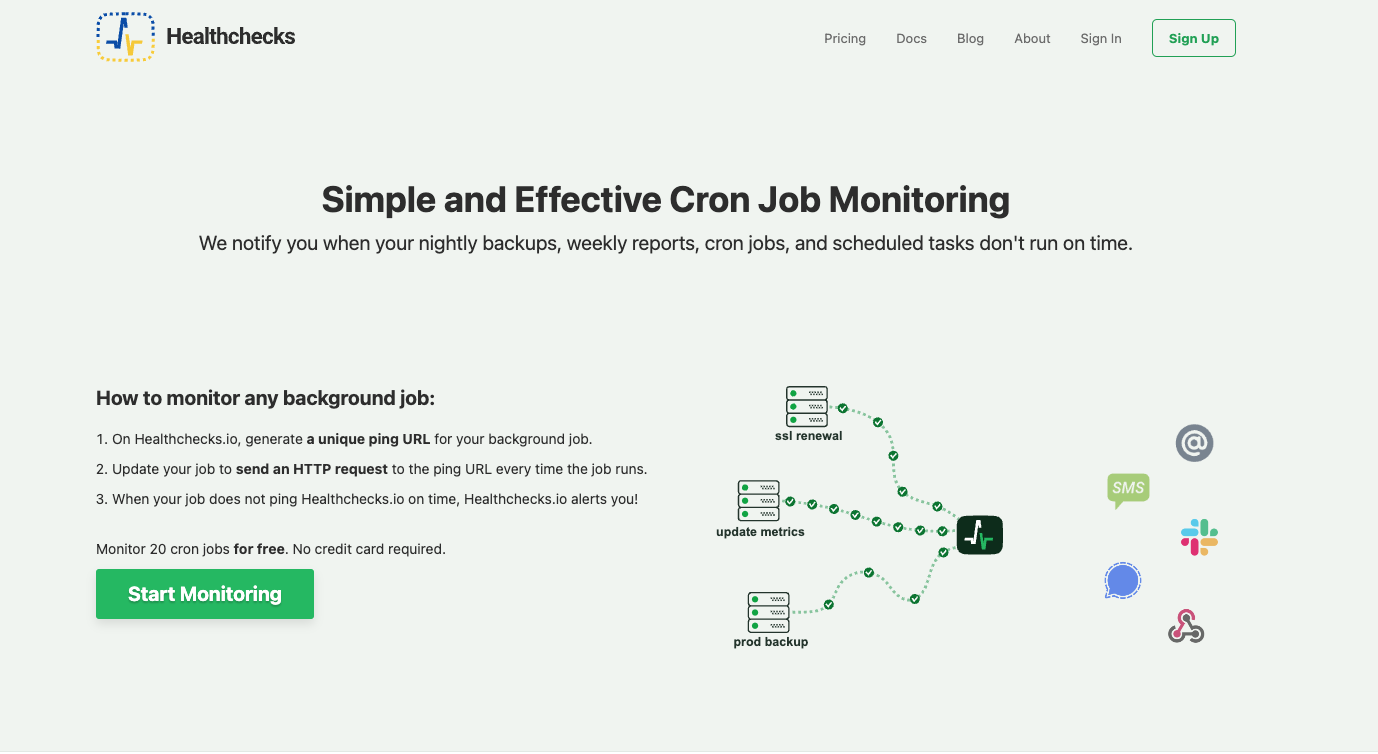
Healthchecks.io is an open-source cron monitoring solution with a wide range of integration options that can be customized to your specific needs.
This tool is all about ensuring your jobs run as they should — if your nightly backups, weekly reports, cron jobs, and scheduled tasks don’t run on time, skip a run, or run too late, you immediately get a notification. You can also set up alert delays for less critical tasks.
Features:
- Uptime and response time monitoring
- Alert escalation to make sure the right team members are informed as soon as a process fails
- Integrations with third-party services and multiple platforms, including email, SMS, Slack, PagerDuty, Pushover, and more
Healthchecks.io offers a generous free plan. Premium plans start a $5 per month, and include additional features like a much larger number of log entries per job and priority support.
| Pros | Cons |
| ✅Alert escalation | ❌Self-hosting the application is complicated |
| ✅Many notifications features including email and Slack | ❌Limited options to group pings, which makes it harder to track results |
| ✅Provides solid examples on how to deploy best practices | ❌No mobile app for quicker support |
4. Dead Man’s Snitch
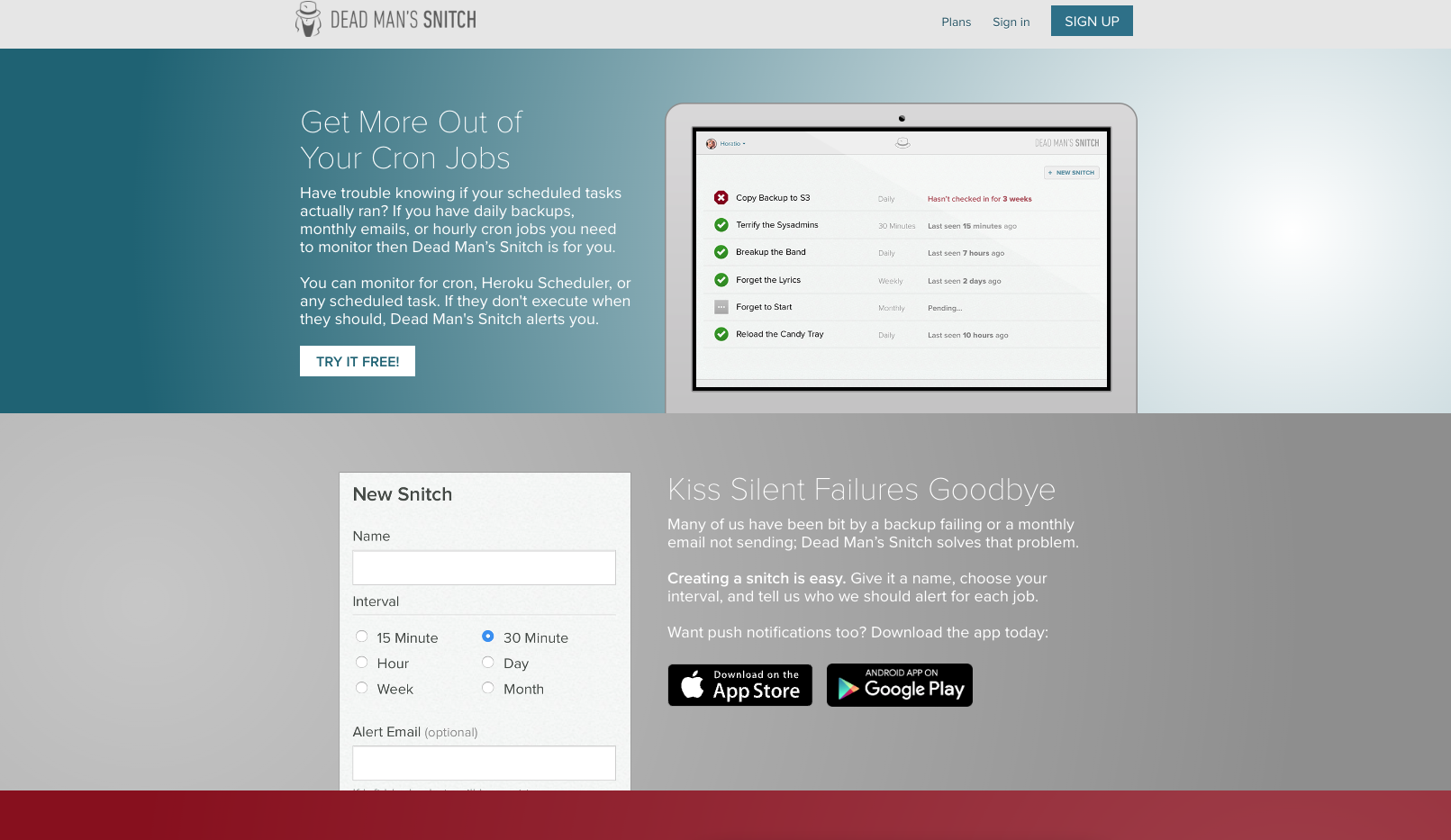
For cron job monitoring with deeper insight, there’s Dead Man’s Snitch, a favorite among developers and teams looking to keep an eye on scheduled tasks, background jobs, and data pipelines. Dead Man’s Snitch alerts you not only when jobs fail to run, but also if they don’t run on time or take too long to complete.
Features:
- Daily, weekly, and monthly in-depth reports to help identify patterns and trends
- Alert integrations with email, Slack, PagerDuty, and webhook
- Ability to group “snitches” (cron jobs) for efficient monitoring and management
Dead Man’s Snitch offers a free plan for one single cron job monitoring. Their paid plans, which support more snitches, API tracking, and enhanced intervals, start at $5 per month (for three monitors or snitches).
| Pros | Cons |
| ✅Can monitor for cron, Heroku Scheduler, or any scheduled task | ❌Not possible to skip days on alerts, which sometimes leads to false alerts |
| ✅Setup in seconds | ❌Smaller paid plan doesn’t offer integrations or smart alerts |
| ✅Monitors up to 300 “snitches” |
5. Cronhub
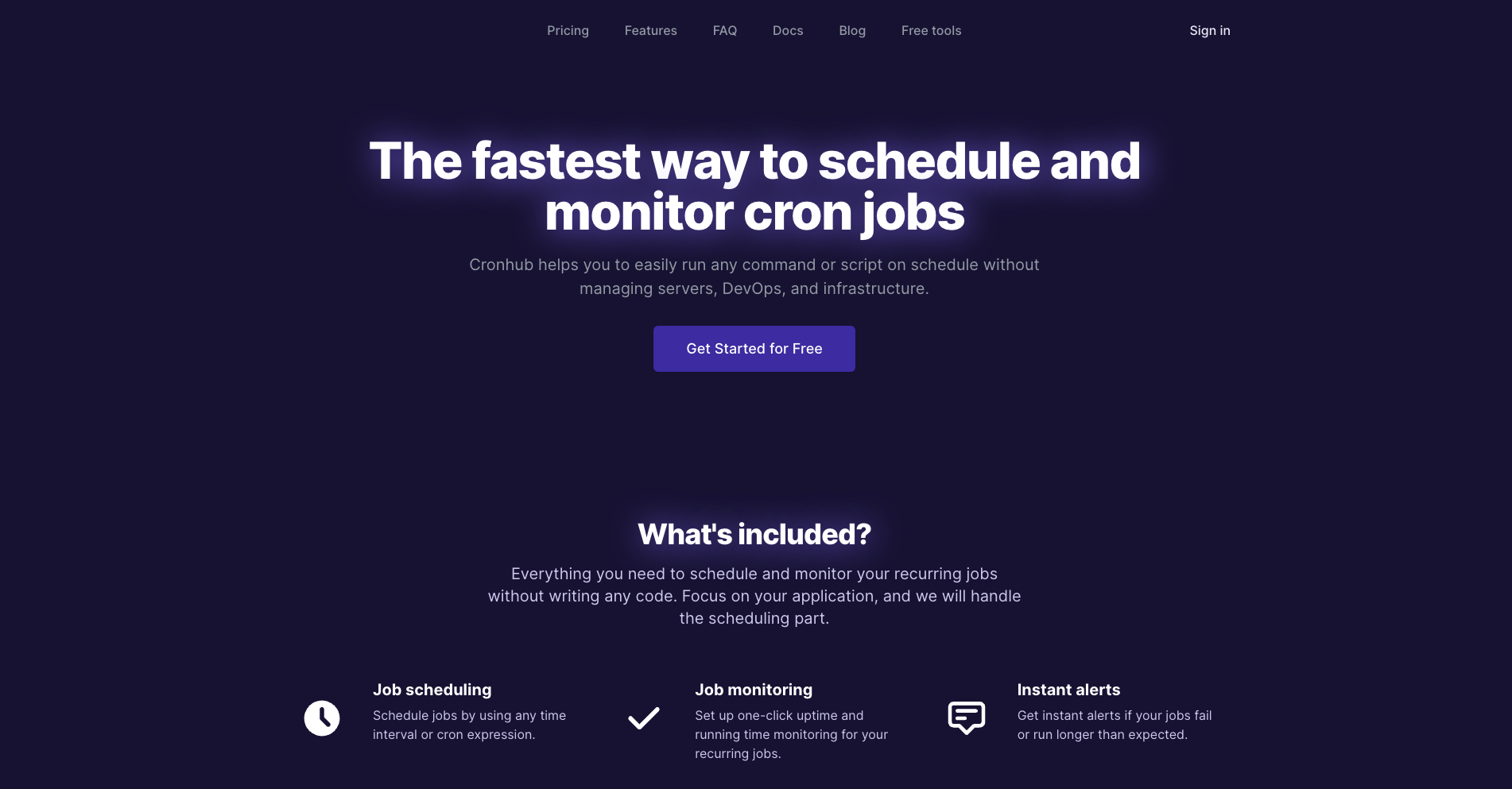
Cronhub is a simple and intuitive cron monitoring tool designed to easily schedule and monitor any recurring tasks. This means you can run any command or script on schedule without the need for separate managing servers, DevOps, or infrastructure. Instant alerts are triggered when a job fails to run on time or takes longer than expected.
Cronhub also provides detailed analytics about your job runs, making it easier to spot inefficiencies and optimize your tasks.
Features:
- Real-time cron job monitoring with rich analytics on critical metrics of your jobs and monitors
- Schedule jobs by using any time interval or cron expression
- API for custom integrations
Cronhub has a very basic free plan with 1 scheduler, 1 monitor, and email and Slack notifications. Their paid plans start at $19 per month and include more advanced alerts (via SMS), webhook integration, weekly reports, and up to an unlimited number of schedulers and monitors for the most expensive plans. All paid plans come with a 7-day free trial.
| Pros | Cons |
| ✅One-click uptime and running time monitoring | ❌Only works with software that supports web-based API standards |
| ✅Unlimited schedulers, unlimited monitors in the top tier plan | ❌No multilevel/multifactor reporting |
| ✅Webhook integration and weekly reports are available even in the basic plan | ❌More expensive than other similar tools |
6. CronAlarm
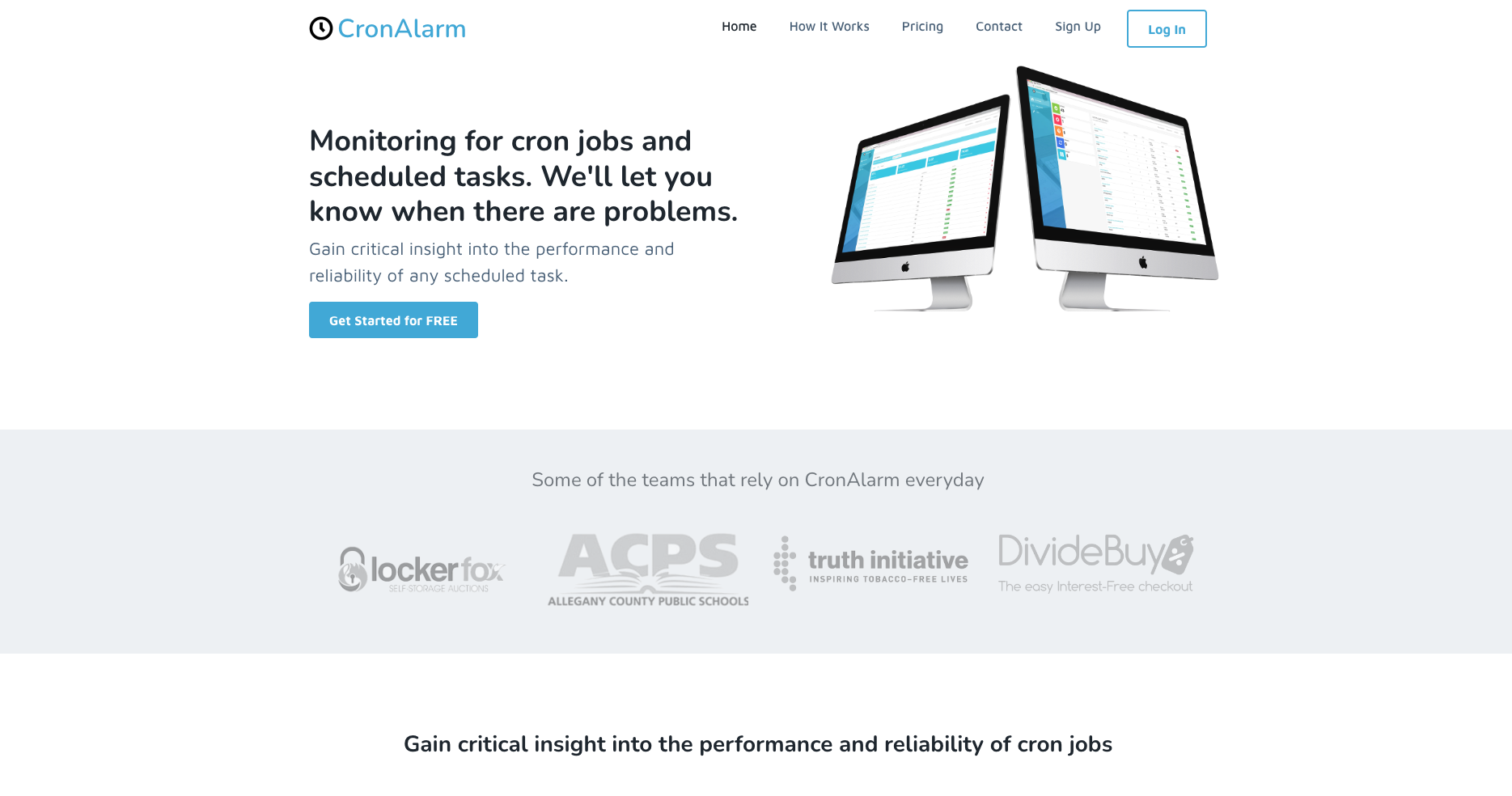
CronAlarm is a robust cron monitoring tool that caters to those wanting to gain critical insight into the performance and reliability of any scheduled task. It helps ensure that your cron jobs are executing as intended and provides timely notifications when they aren’t.
What sets CronAlarm apart is its ability to adapt to your monitoring needs. It allows you to customize alert conditions for each job and only sends alerts when those conditions are met. This way, you only get notified when it’s really necessary.
Features:
- You can report your own errors
- Job logging for debugging, helping you find and fix issues quicker
- API endpoints for integration, making it easy to monitor any job or service
CronAlarm’s pricing starts at $10 per month for the basic plan, with premium options available based on the number of jobs and alert channels.
| Pros | Cons |
| ✅Simple and minimalistic setup and operation | ❌Free plan can only monitor one cron job |
| ✅Can monitor up to 500 cron jobs | ❌Custom Webhooks and Slack integrations are only available with the more expensive plans |
| ✅Allows you to report your own errors for better task management |
7. Cronly
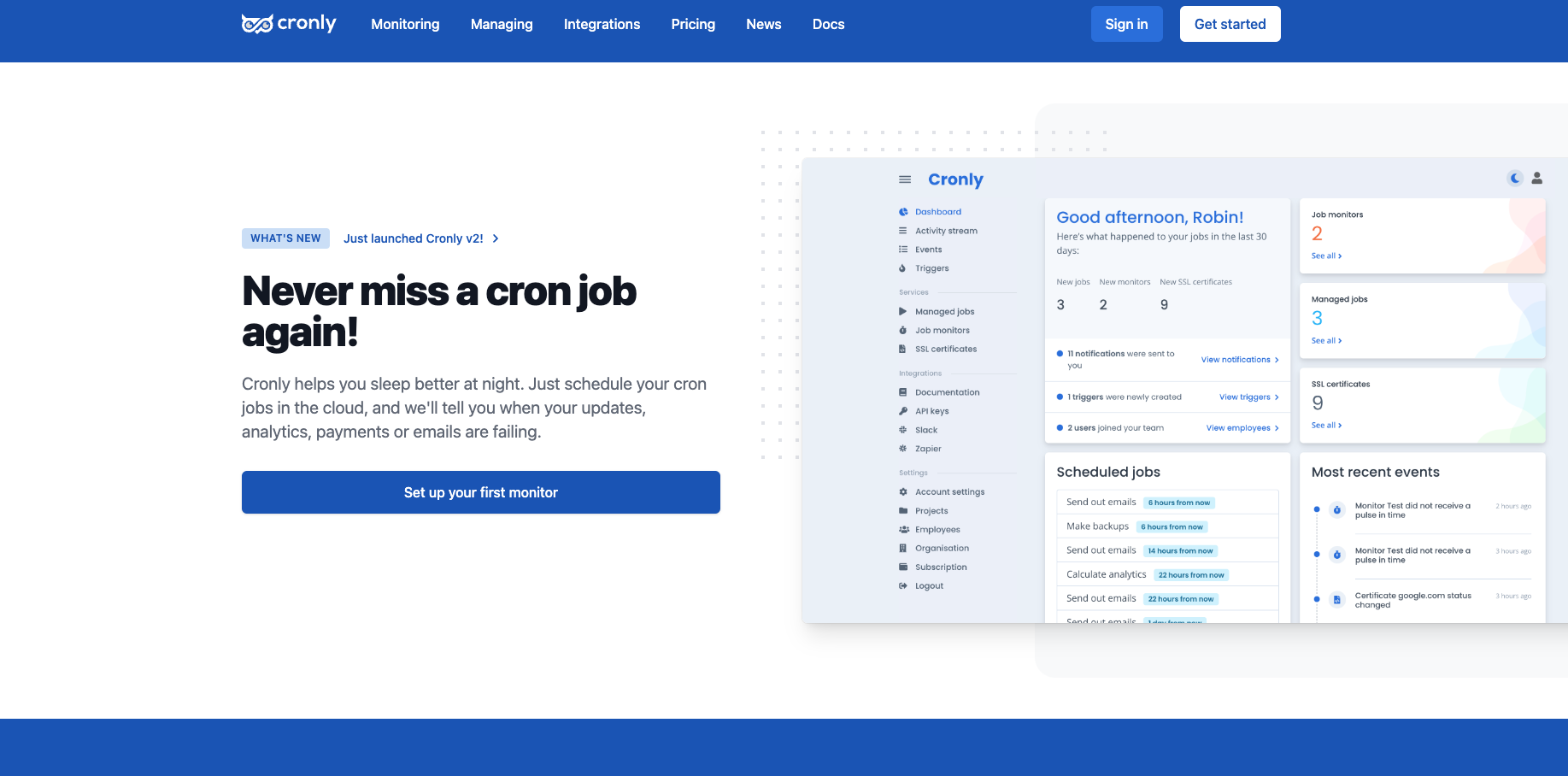
Cronly is a comprehensive cron job monitoring tool designed to provide detailed analytics on your cron jobs. It gathers valuable insights and metrics and allows you to analyze job performance and optimize your tasks for better efficiency.
Cronly also allows you to use projects to group your monitors and tasks together and offers robust alerting capabilities to keep you informed of any issues with your cron jobs.
Features:
- Supports complex recurring patterns
- Allows you to schedule cron jobs directly from Cronly
- Helps you identify performance bottlenecks
- Alerting capabilities through email, SMS, and other channels
Cronly offers a very simple pricing system of $1/ month per monitor. Your cost is calculated based on how many monitors you set up — but whether is 100 or just 1, you will receive unlimited triggers, projects, integrations, and API calls for free.
| Pros | Cons |
| ✅Customizable cron jobs pricing | ❌Requires a Zapier integration to run |
| ✅Unlimited users for free | ❌Might be too basic for some users |
8. PushMon
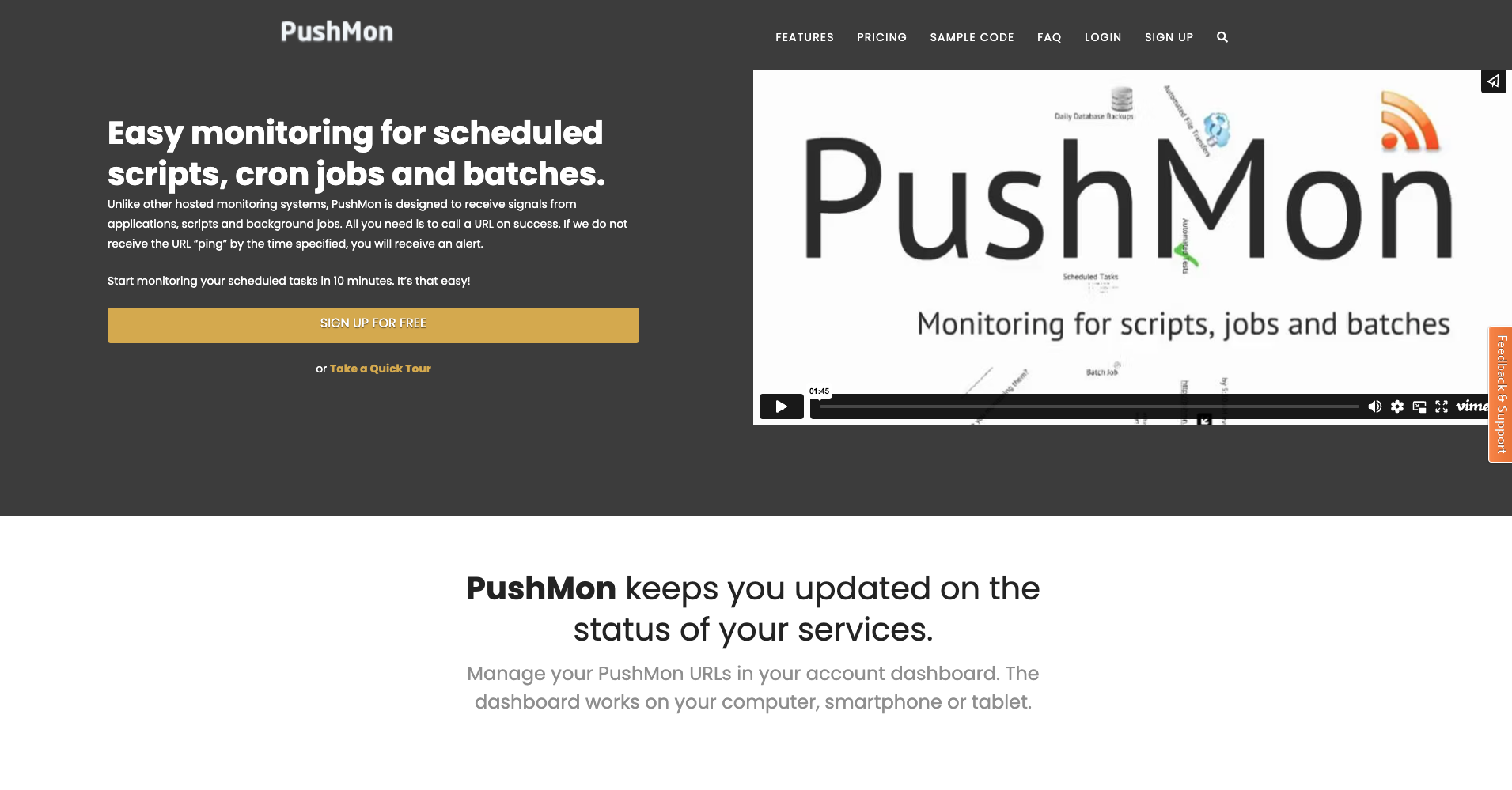
PushMon offers a unique and flexible solution for cron job monitoring, particularly if you need to monitor not only cron jobs, but also URLs, email, and scripts. Because it’s designed to receive signals from applications, scripts, and background jobs, PushMon can track background tasks that often go unnoticed until something goes wrong.
With PushMon, you can define your own schedules based on your specific monitoring requirements — no matter if you need support for a day, a week, 12 hours, or any time in between. Need complex scheduling like monitoring cron jobs on different days of the week, different ranges, or only at the end of the month? Not a problem for PushMon.
Features:
- SMS or phone call alerts for critical jobs
- Custom schedules for flexible monitoring
- Quick and easy setup takes less than 10 minutes
PushMon offers a free plan that allows you to monitor up to 3 URLs with API access and instant alerts via email, phone calls, SMS, and webhooks. Paid plans start at $14.95 per month and provide monitoring for up to 100 URLs, enhanced intervals and support, and alerts on demand.
| Pros | Cons |
| ✅Supported signals from applications and scripts | ❌Limit for monitoring is 100 URLs |
| ✅SMS or phone call notifications | ❌Calls and SMS notifications cost credits and you could potentially run out |
| ✅Comprehensive scheduling | ❌Alert on demand is not available on the free plan |
9. VisualCron
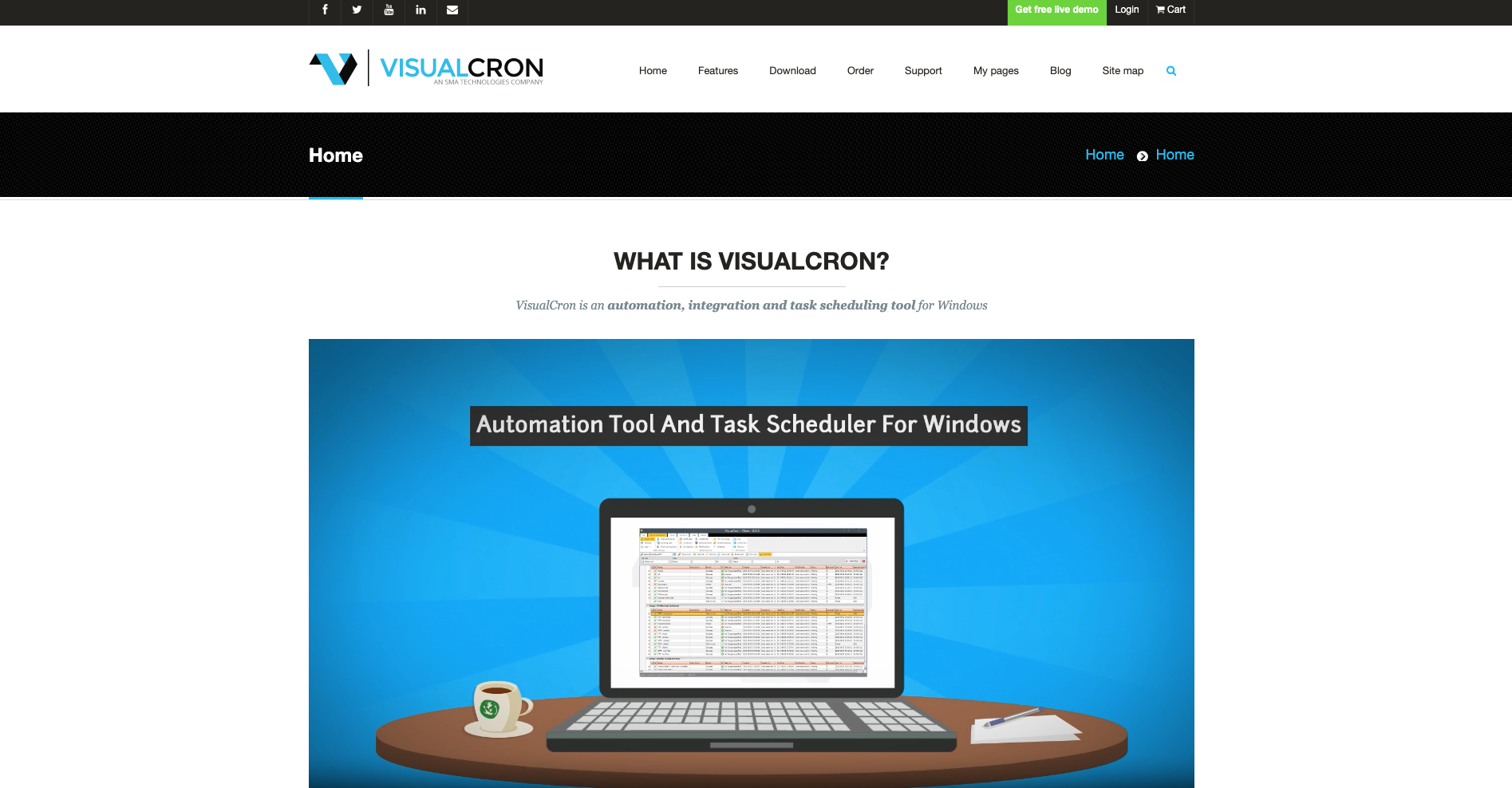
VisualCron is a comprehensive task scheduling and automation tool that allows you to set up complex workflows, define task sequences, and visualize the execution flow of your cron jobs. Because of its easy-to-use interface, VisualCron is great even for those without any programming skills — just drag, click, and create.
In addition to its visual capabilities, VisualCron offers robust logging and auditing features, including the ability to audit, task, job, and output logs to help with debugging.
Features:
- Intuitive visual interface to design, schedule, and execute tasks easily
- Logging and auditing features
- Multiple protocol support for seamless integration with various systems
VisualCron offers a free trial for users to experience its features and capabilities. For continued usage, VisualCron offers pricing options based on the number of tasks and additional features required, making it a versatile solution for managing cron jobs and task automation.
| Pros | Cons |
| ✅Great for beginner users | ❌No permanent free plan |
| ✅100+ custom tasks for different technologies | |
| ✅Easy flow and error handling to keep track of your cron jobs |
How to compare cron job monitoring tools without getting lost in features
Cron job monitoring tools often look similar on the surface. Most claim alerts, schedules, and dashboards. The differences that matter only show up after a job fails at three a.m.
Start with how the tool confirms execution. The most reliable tools rely on explicit signals from the job itself. If a job does not report in, that absence becomes the alert. This avoids guessing based on server uptime or log scraping, which misses silent failures.
Alert timing is the next filter. Good tools let you define flexible grace periods instead of strict schedules. Cron jobs drift. Queues back up. Systems slow down. Monitoring that alerts the moment a job is late creates noise instead of confidence.
Failure visibility matters as much as detection. When an alert fires, you should immediately know which job failed, when it last ran, and whether it failed to start or failed mid-run. Tools that only say “missed” force extra digging during incidents.
Look closely at how retries and partial runs are handled. Some jobs retry automatically. Others should not. A monitoring tool should reflect reality, not assume every missed run is a failure. Support for start and completion signals helps here.
Setup friction is another practical concern. Tools that require agents, cron wrappers, or deep system access add overhead and risk. Simpler approaches that work with a single request or token reduce maintenance, especially across many servers or containers.
History and trends are often overlooked. A job that fails once is annoying. A job that slowly takes longer each week is dangerous. Tools that show run duration over time help catch problems before they become outages.
Finally, consider where the monitoring lives. If it runs on the same server as the cron jobs, it can fail silently during outages. External monitoring adds a layer of independence that internal tools cannot provide.
The goal is not to find the most advanced tool. It is to find one that makes cron jobs predictable, observable, and boring.
Conclusion
Whether you’re looking for basic monitoring or need ultra-advanced analytics, there’s a cron job monitoring tool out there to streamline your cron management.
Before you choose the right tool for the job, make sure to assess your specific needs so you can find the one that best fits your workflow. While many tools offer free plans, these might not be suitable for bigger jobs or detailed monitoring, so don’t dismiss the benefits of reliable paid advance cron job monitoring.
With the right sidekick tool, you’ll be ready to keep an eye on your scheduled tasks, enhance productivity, and minimize downtime. So go ahead, unleash the power of automation, and let these cron monitoring tools rock your scheduling world!
Disclaimer: The information provided on this page is for informational purposes only. Our rankings and reviews are based on our own research and analysis, aimed at providing unbiased, objective, and reliable information to our readers. Despite our affiliation, we strive to maintain objectivity and factual accuracy in our content.
However, we cannot guarantee that all information presented is up-to-date or entirely accurate. We encourage you to conduct your own research and consult with professionals before making any decisions based on the information found on this page. If you detect any inaccuracies, please do not hesitate to inform us.
FAQ’s
What is cron job monitoring used for?
Cron job monitoring verifies that scheduled jobs actually run and complete on time. It detects silent failures where a job doesn’t execute or finishes with errors. This is critical for backups, reports, syncs, and other background tasks.
How do cron job monitoring tools work?
Most tools work by expecting a signal from your cron job at a defined interval. The job sends a ping after successful execution, and an alert triggers if that signal doesn’t arrive. Missing or late heartbeats indicate a problem.
What problems can cron job monitoring catch?
It catches failed executions, delayed runs, permission issues, and server outages. It also surfaces cases where a job runs but exits early due to errors. Without monitoring, these failures often go unnoticed.
Why do cron jobs fail silently so often?
Cron runs in a limited environment with fewer variables, paths, and permissions than interactive shells. Scripts that work manually may fail under cron. Without logs or monitoring, there’s no immediate signal when this happens.
How often should cron jobs be monitored?
Cron jobs should be monitored based on how critical they are and how often they run. Daily or hourly jobs that affect production systems should always be monitored. Add a grace period to account for normal execution delays.