The leading solution for enterprise uptime monitoring.
Get the uptime monitoring, alerting, and status pages your business depends on without paying observability-suite prices for features you'll never use.
Backed by a contractual SLA, SSO, audit logs, and SOC 2, for up to 82% less than the cost of a full observability suite.




Stop paying for an observability suite to run uptime checks.
Full observability platforms were built to debug distributed systems and come with traces, custom metrics, log volume, and session replay, all priced accordingly. If your job is knowing the moment a service goes down, you’re paying for twenty products to use just one service.
What a full observability suite costs you
![]() Consumption-based billing across 20+ products
Consumption-based billing across 20+ products![]() Synthetic checks charged per run, multiplied by frequency and locations
Synthetic checks charged per run, multiplied by frequency and locations![]() Invoices that are hard to predict or explain
Invoices that are hard to predict or explain![]() Weeks of instrumentation plus a dedicated owner to maintain it
Weeks of instrumentation plus a dedicated owner to maintain it![]() Paying for tracing and log depth nobody opens
Paying for tracing and log depth nobody opens- Typical mid-market spend: $50k to $150k per year
 Consumption-based billing across 20+ products
What lean monitoring gives you
![]() Flat, tiered pricing with no per-run or per-location multipliers
Flat, tiered pricing with no per-run or per-location multipliers![]() 15-second checks from up to 4 regions (NA, EU, AS, OC), included
15-second checks from up to 4 regions (NA, EU, AS, OC), included![]() A bill you can forecast a year out
A bill you can forecast a year out![]() Live in minutes, no agents to deploy
Live in minutes, no agents to deploy![]() Enterprise controls (SLA, SSO, audit logs) without the suite tax
Enterprise controls (SLA, SSO, audit logs) without the suite tax- Starting price: $1,200 per year
Enterprise-ready by default.
The security and compliance posture enterprise buyers expect, without a six-month procurement cycle.
![Included]() Contractual SLA
Contractual SLA![Included]() SSO / SAML
SSO / SAML![Included]() Audit logs
Audit logs![Included]() SOC 2 (Type I)
SOC 2 (Type I)![Included]() Granular role-based access
Granular role-based access![Included]() GDPR and DPA
GDPR and DPA
UptimeRobot vs. full observability platforms.
Below is a like-for-like comparison at a single, defined configuration (200 monitors, 15-second checks, multi-region). Figures above reflect broader typical spend across a full observability suite, which is usage-based and varies by setup.
| UptimeRobot | Datadog | Better Stack | |
|---|---|---|---|
| Pricing model | Simple tiered SaaS, per monitor (no per-seat tax) | Usage-based, modular (APM, infra, logs, synthetics) | Per-seat plus usage-based feature bundles |
| Cost at 200 monitors, 15-second checks, multi-region | $1,200/yr flat (Enterprise 200 plan) | Starting at $4,600 for 200 monitors, scales with hosts and features | Per-seat plus per-feature, scales with usage |
| Uptime checks | Yes (core product) | Yes (via Synthetics) | Yes |
| Multi-location checks | Included, 4 regions | Included, often add-on dependent | Included |
| Status pages | Unlimited, fully customizable | Available (add-on) | Built-in (password protection costs extra) |
| Setup | Simple, no agents, bulk import, live in about 30 seconds | Requires agents for full value | Lightweight, partial instrumentation optional |
| Observability suite (logs / APM / traces) | Not included by design | Full suite | Logs plus partial observability |
| SLA | Enterprise SLA (contractual) | Enterprise SLA available | SLA on higher tiers |
| SSO | SSO / SAML (Enterprise) | Yes (enterprise) | Yes |
| Audit logs | Yes (Enterprise) | Yes (enterprise) | Yes (higher tiers) |
| SOC 2 | Yes (Type I) | Yes | Yes |
| Learning curve | Minutes | Days to weeks | Hours to days |
Competitor pricing is usage-based and varies by configuration. Figures reflect typical mid-market setups as of 2026.
Calculate your savings.
See what a full observability suite costs you for uptime monitoring alone, and what the same coverage costs with UptimeRobot.
Use the slider to choose a monitor tier.
You’re likely overpaying for uptime monitoring alone.
Estimates only, based on typical observability pricing ranges. Actual costs vary by configuration.
Unlock advanced monitoring features.
Exploit UptimeRobot's full potential with our Enterprise offering, featuring advanced response time monitoring, multi-location checks, and incident management for an unparalleled monitoring experience.
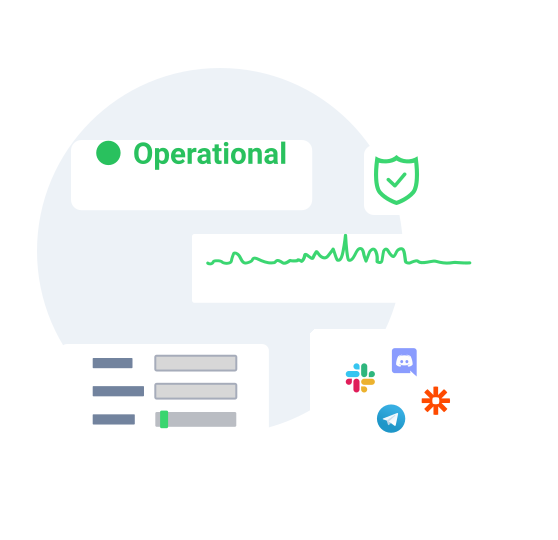
Showcase your uptime via customizable status pages.
Build trust with your customers by sharing real-time updates through customizable status pages with custom domains. Tailor the design with your logo, colors, and fonts while ensuring clear communication via email notifications during incidents.
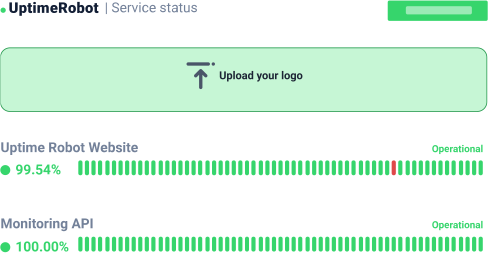
Manage your account and monitors via API.
Create, edit, or delete monitors, configure alert contacts, and set maintenance windows effortlessly using UptimeRobot’s API. Get responses in XML, JSON, or JSON-P for seamless integration.
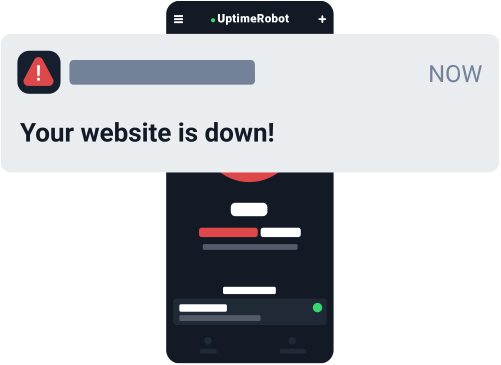
Integrate easily with your favorite tools.
Connect with up to 17 integrations, including personal notifications via email, SMS, voice calls, and push notifications or native integrations with tools like Slack, MS Teams, Telegram, PagerDuty, Pushbullet, and Mattermost.
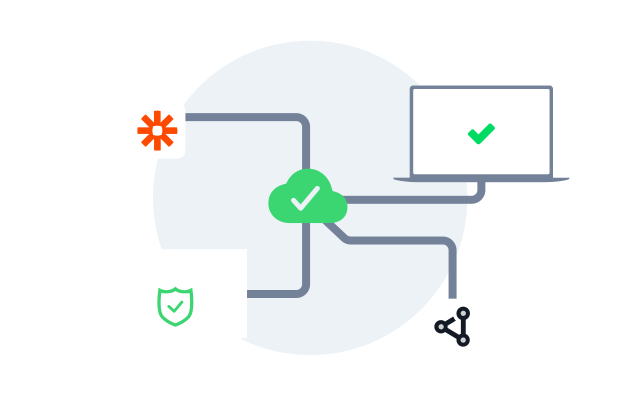
Collaborate effortlessly with your team.
Share account access with your team to manage monitors and incidents while keeping everyone informed. Assign admin, write, read, or notify-only permissions for streamlined collaboration.
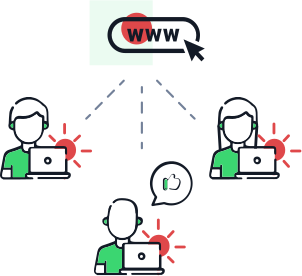
Need more monitors or custom solutions?
Get all the features you need
in one intuitive dashboard.
 Fast monitoring interval
Check critical endpoints more frequently with 15-second monitoring intervals to detect issues sooner and maintain peak performance.
Domain & SSL monitoring
Get customizable alerts before your domain or SSL certificates expire.
Notify & login seats
Assign alerts and manage user access to ensure your team and clients get the correct information at the right time.
Maintenance windows
Pause downtime alerts during scheduled maintenance to avoid unnecessary notifications.
Bulk actions
Simplify workflows by managing multiple monitors simultaneously: edit, tag, pause, or set notifications in bulk.
Tagging
Organize monitors effortlessly by grouping them with customizable tags for easier management.
Response time monitoring
See your response times in a chart and get alerts when your website or service responds slower than usual.
Multi-location checks
Create monitors with specific monitoring regions you can choose and catch issues that only appear in specific locations.
Incident management
Get a single overview of all incidents. Filter by status, root cause, or custom tags, tag teammates for instant collaboration, and push updates to your status pages.


Why users trust UptimeRobot.

Reliable service
It was a wonderful experience and I would highly recommend it. UptimeRobot has exceeded my expectations with its efficient monitoring and notification system. Thanks to their service, I've been able to stay on top of any downtime issues and ensure maximum uptime for my online presence, highly recommended!
UptimeRobot Works Great -- And Believe It!
Our Native Amerrican news magazine/public service website is www.nativeamericatoday.com. Our former developer did a horrible job, which continually allowed bots to attack the site -- we went over our server's resource limits multiple times and crashed...
Piece of Mind Monitoring
I have recently moved monitoring to UptimeRobot for some critical links and external facing services within our organization. Internal monitoring programs are great until the internet is down and you don't know because you can't get the alerts out...
Frequently asked questions.
Does UptimeRobot have SOC 2 certification?
Yes, UptimeRobot has completed an independent SOC 2 audit. If you need the latest report for procurement or a vendor review, please book a demo.
Can I manage Enterprise monitors through the API?
Yes. The API is a practical choice when you want to create monitors programmatically, update alert contacts, handle maintenance windows, or keep monitoring aligned with deployments and infrastructure changes. It is especially useful for teams that do not want the monitoring setup to live only in the dashboard.
Who is UptimeRobot Enterprise best suited for?
The Enterprise plan is built for teams that need the fastest checks, more monitors, and clearer ownership across engineering, ops, support, or client-facing teams. It works best when uptime monitoring is already an important part of your operations, and you need collaboration, alert routing, and external communication on a single platform.
Can I share uptime with customers without exposing my internal dashboard?
Yes. Status pages let you publish service health and incident updates externally while keeping your internal monitor setup, permissions, and workflows private. That is useful for customer communication when support or account teams need visibility without full dashboard access. Additionally, you can restrict search engines from indexing your public status pages and protect them with a password.
What should I monitor first when rolling out Enterprise?
Start with the services that create the most risk when they fail, such as your main website or app, public APIs, login flows, checkout paths, and SSL or domain expiry. Then add response time alerts, tags, maintenance windows, and a status page so your monitoring setup is useful from day one rather than just noisy. Finally, set up monitors for your external dependencies and 3rd party software and service vendors.
Can we roll out monitoring across hundreds of endpoints without adding admin overhead?
Yes. The Enterprise plan is built for scale with API access, bulk actions, tagging, and maintenance windows, so teams can manage large monitor sets more consistently. That makes it easier to organize services, standardize changes, and avoid one-by-one cleanup work.
Can different teams use the same account without exposing full admin access?
Yes. UptimeRobot supports separate login and notify seats, along with permission levels such as admin, write, read, and notify-only. That lets engineering manage configuration while support, operations, or leadership still get the right level of visibility.
Will UptimeRobot fit into our existing incident workflow and tool stack?
Yes. The Enterprise plan supports API-based automation and integrates with common alerting and collaboration tools, so it can fit into the workflows your team already uses. You can route notifications where responders already work and keep incident handling more centralized.
Set up Enterprise monitoring in seconds.
Need more monitors or custom solutions? Book an Enterprise demo.

 Incident management
 IT alerting software
 Status pages