We all want our websites/servers to be “up” all the time and take multiple actions to increase uptime.
Yet, not all sites/servers are built for 100% uptime. Some have various tasks that cause downtime like:
- backups
- batch jobs
- restarts
- upgrades
- etc.
Uptime Robot now has a new feature (for the Pro Plan) to handle such one-time or regular downtimes nicely:
Maintenance Windows
The feature is for easily defining once or recurring “do-not-monitor periods”.
As an example, we can now set a Maintenance Window that will start “Every Tuesday at 22:35 and run for 20 minutes”. Uptime Robot will stop the monitoring as 22:35 and resume it 20 minutes later so that you don’t get any “expected notifications”.
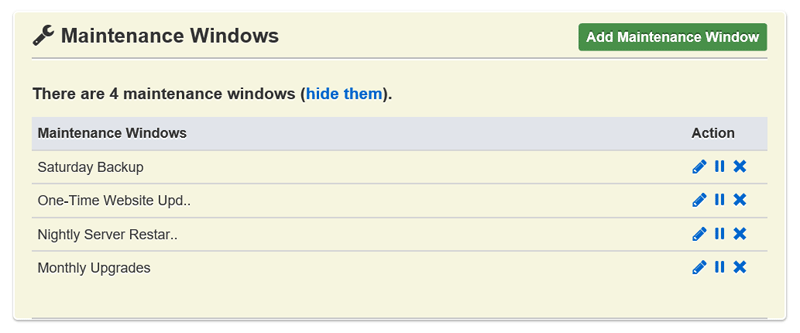
It has support for:
- once
- daily
- weekly
- monthly
schedules. And, the way it works is very familiar (just like Alert Contacts).
They can simply be defined from the “My Settings” page and attached to the monitors of choice from the Add/Edit Monitor dialogs.
Simple and functional :).