Uptime monitoring tools typically have access to less sensitive data than many other SaaS platforms. They don’t store customer records or access your codebase, but they do have visibility into your infrastructure, receive alerts when incidents occur, and often integrate with your alerting and incident management systems.
That’s enough to earn a real vendor review. This checklist covers the security and procurement questions to ask before approving an uptime monitoring vendor, along with UptimeRobot’s answers where applicable.
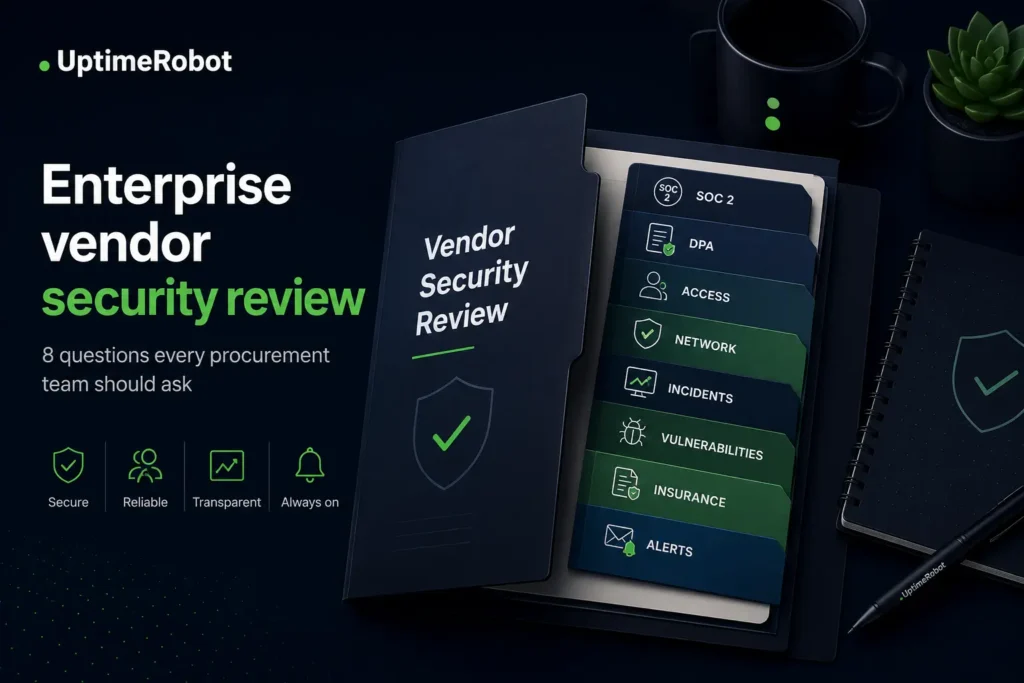
1. SOC 2: ask about scope, not just the badge
“Are you SOC 2 compliant?” isn’t the most useful first question, because almost every vendor says yes. The most valuable questions are about scope and recency.
Ask which Trust Services Criteria the audit covered, whether it was Type I (controls designed) or Type II (controls operating over time), when the audit period ended, and whether the report covers the actual service you are buying rather than a parent company.
UptimeRobot is SOC 2 compliant and has completed an independent audit. The report is available to buyers through an enterprise demo, where the team walks through your specific review requirements.
If you have a security questionnaire, raise it in the same conversation so documentation and questionnaire move together.
2. Data processing: DPA, GDPR, and what the vendor actually holds
Ask for the Data Processing Addendum and read what categories of data the vendor processes. For uptime monitoring platforms, this typically includes account information, monitor configurations (such as URLs and endpoints), and alert contact details. Confirm sub-processors, data residency, and breach notification terms.
UptimeRobot publishes its DPA, which includes a GDPR-aligned privacy approach and a commitment to notify customers of a security incident affecting personal data without undue delay, and in any event within 72 hours.
3. Access control: SSO, 2FA, and role separation
Ask how users authenticate and how access is managed when employees join or leave the organization.
The specific questions you should consider:
- Is SAML SSO available, and with which identity providers?
- Is SCIM provisioning supported?
- Is 2FA enforced?
- Can you separate admin rights from view or notify-only access?
UptimeRobot supports two-factor authentication and role-based team access, distinguishing admin seats from notify-only contacts, which keeps the blast radius of any single account small.
4. Network and application security
Ask how the vendor protects its own perimeter. Look for WAF coverage on customer-facing surfaces, DDoS mitigation, encryption in transit and at rest, and information about how monitoring nodes are secured given that they connect outward to customer infrastructure.
UptimeRobot encrypts data in transit and at rest and uses industry standard protections for customer-facing services. Enterprise customers with additional security requirements can discuss specific controls during the security review process.
5. Incident history and transparency
A vendor’s own operational track record is fair game. Ask whether they publish a status page for their own service, how they communicate incidents, and whether they have had a reportable breach.
UptimeRobot publishes its own status and maintains a public roadmap and changelog, which is a reasonable baseline for transparency.
6. Vulnerability disclosure and testing
Ask whether the vendor runs a vulnerability disclosure program or bug bounty, how researchers can report issues, and whether penetration tests are performed regularly and by whom.
7. Cyber insurance
Larger procurement teams increasingly ask vendors to confirm cyber liability coverage. Ask whether the vendor carries it and whether a certificate of insurance can be provided.
8. Alert email handling
This one is specific to monitoring tools and easy to overlook. Alert emails describe your outages in near real time, so ask how they are sent and secured: Is TLS enforced on outbound mail? What infrastructure details do alert emails contain? Can alert content be minimized for sensitive environments?
Also ask the reliability question: what redundancy exists on the sending side, and what alternatives exist if email fails? UptimeRobot’s answer to the second part is channel redundancy, and provides alerts via SMS, voice, push, and integrations like Slack and PagerDuty alongside email, so no single channel is a point of failure.
Vendor security review checklist
Use this checklist during your vendor review to confirm that the documentation and security controls required by your organization have been covered.
- Obtain the SOC 2 report and verify the scope, audit period, and Trust Services Criteria.
- Review the DPA, including processed data categories, sub-processors, and breach notification commitments.
- Confirm SSO, SCIM (if required), 2FA, and role-based access controls.
- Review network security controls, including encryption, WAF protection, and DDoS mitigation.
- Check the vendor’s incident history, public status page, and communication practices.
- Confirm vulnerability disclosure, penetration testing, and security reporting processes.
- Request proof of cyber liability insurance if your procurement policy requires it.
- Review alert delivery methods and fallback channels if email becomes unavailable.
If every item above has a documented answer, your security review should have the information needed to move into procurement or legal review.
Need answers for your vendor review?
Enterprise evaluations often involve more than feature comparisons. If your team has a security questionnaire, procurement checklist, or compliance review, UptimeRobot can help you work through it before purchasing.
During an enterprise demo, you can:
- Review SOC 2 documentation and security controls.
- Discuss authentication, access management, and deployment requirements.
- Go through your security questionnaire with the team.
- Confirm whether UptimeRobot meets your organization’s procurement standards.
-
Yes. UptimeRobot has completed an independent SOC 2 audit, and the report is provided through an enterprise demo so the team can match documentation to your review requirements.
-
The DPA is published and covers GDPR-aligned processing terms, including 72-hour breach notification for incidents affecting personal data.
-
Yes. Bring the questionnaire to the enterprise demo conversation. Reviews in the 90-question range are routine for education and enterprise buyers, and starting the questionnaire in parallel with your technical evaluation keeps procurement from stalling at due diligence.
-
Monitor configurations (URLs, endpoints, check settings), uptime and incident history for those monitors, and alert contact details. Review the DPA for the complete picture of processed data categories.