TL;DR (QUICK ANSWER)
Monitor the third-party services that could disrupt payments, logins, core features or customer communications. Track provider incidents alongside checks of your own integrations to catch problems affecting customers.
Your servers can be green while customers can’t pay, log in, or receive a password reset. The problem is usually a vendor you depend on, and you often hear about it from support tickets first.
The 20 services below are grouped by the impact of their failure, starting with application availability and moving through login, payment, feature and communication problems.
Each includes the signals to watch and a practical starting point for monitoring.
Key takeaways
- Payment and identity failures block revenue and logins immediately, so they get high-priority paging alerts.
- DNS, CDN, and certificate problems make the whole product look down, even when your servers are healthy.
- A vendor’s status page shows what they’ve acknowledged. Your own checks show whether customers are affected.
- AI, search, maps, and feature flags tend to fail in silence, so watch for degraded results, not just errors.
Why group dependencies by consequence
A dependency’s priority comes down to what happens when it fails. Grouping services by impact makes it easier to decide:
- Which failures should page someone immediately
- Which can wait until business hours
- Which team owns the response
A vendor’s status page only shows what the provider has acknowledged. Your own checks show whether the affected service is working for your customers, so the two should be monitored together.
The 20 services at a glance
Use this table as the map. The providers are examples, so swap in the ones you actually use.
| What breaks | Service | Example providers |
| The app doesn’t load | 1. Cloud region and managed services | AWS, Google Cloud, Microsoft Azure |
| 2. CDN and edge network | Cloudflare, Fastly, Akamai, CloudFront | |
| 3. DNS | Route 53, Cloudflare DNS, Azure DNS, NS1 | |
| 4. TLS certificates and domains | Let’s Encrypt, DigiCert, AWS Certificate Manager, your registrar | |
| Nobody can log in | 5. Authentication provider | Auth0, Amazon Cognito, Firebase Authentication, Clerk |
| 6. Enterprise SSO and directory sync | Okta, Microsoft Entra ID, Google Workspace | |
| 7. Social login | Google, Apple, GitHub, Microsoft | |
| You stop taking money | 8. Payment processor | Stripe, Adyen, PayPal, Braintree |
| 9. Subscription billing and dunning | Stripe Billing, Chargebee, Recurly, Paddle | |
| 10. Tax calculation and invoicing | Avalara, Stripe Tax, Vertex | |
| Features degrade | 11. AI and LLM APIs | OpenAI, Anthropic, Google Gemini, Azure OpenAI |
| 12. Search | Algolia, Elastic Cloud, Typesense | |
| 13. Maps and geolocation | Google Maps Platform, Mapbox, IP geolocation APIs | |
| 14. Feature flags and remote config | LaunchDarkly, Statsig, Unleash, Firebase Remote Config | |
| You go quiet | 15. Transactional email | SendGrid, Amazon SES, Postmark, Mailgun |
| 16. SMS and voice | Twilio, Vonage, Sinch, MessageBird | |
| 17. Push notifications | APNs, Firebase Cloud Messaging, OneSignal | |
| You’re flying blind | 18. Product analytics | Segment, Amplitude, Mixpanel, PostHog |
| 19. Error tracking | Sentry, Rollbar, Bugsnag | |
| 20. Logging and observability | Datadog, New Relic, Grafana Cloud, Elastic |
The app doesn’t load
Failures here can prevent customers from reaching the product altogether, even when the problem sits outside your own infrastructure.
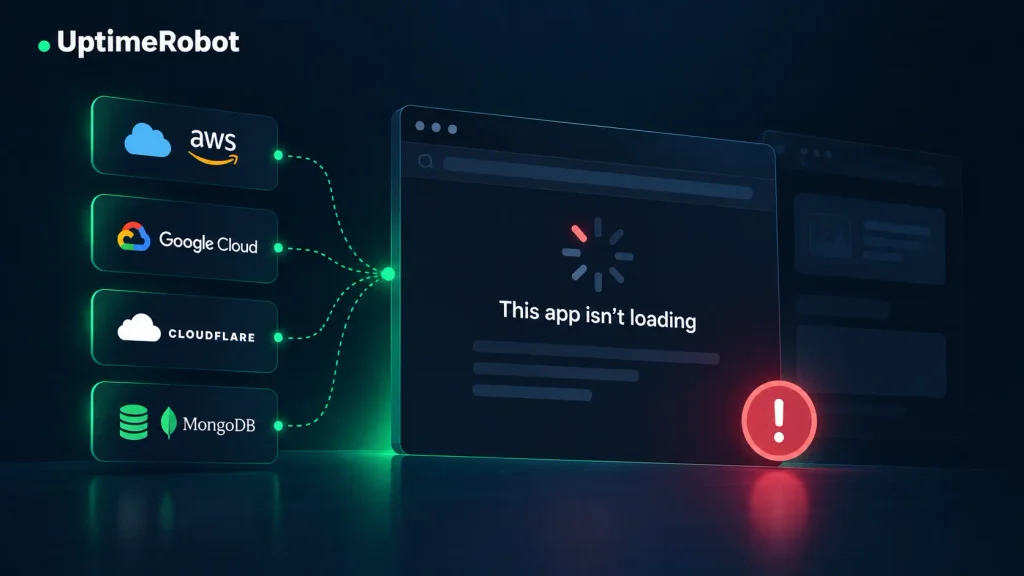
1. Cloud region and managed services
A cloud incident can cause a full outage or leave parts of the product unavailable. Customers might still reach the app while databases, deployments, scaling or identity services are affected.
Tip: Track the specific cloud services and regions you rely on, alongside uptime checks on your own application.
2. CDN and edge network
A CDN failure can prevent pages or static assets from loading, while configuration problems can block legitimate traffic. Watch 5xx errors, origin connection latency and WAF block rates.
Problems can also vary by location, so a check from one region may not tell the whole story.
Tip: Run HTTP checks on your main pages and a static asset from multiple locations.
3. DNS
If DNS fails, customers can’t resolve your domain or reach the services behind it. Your status page can disappear too if it relies on the same domain. Watch resolution failures, nameserver availability and unexpected record changes.
Tip: Set up DNS monitoring for your main domain and API subdomain.
4. TLS certificates and domains
An expired certificate or domain can make an otherwise healthy service inaccessible. Browsers may show security warnings, while API clients can reject the connection entirely.
Monitor what’s actually being served on each customer-facing domain instead of relying only on certificate inventory.
Tip: Use SSL certificate monitoring and domain expiry monitoring across your customer-facing domains.
Nobody can log in
When identity fails, the product is effectively down even if every server is healthy. Support tickets often arrive before any dashboard turns red.
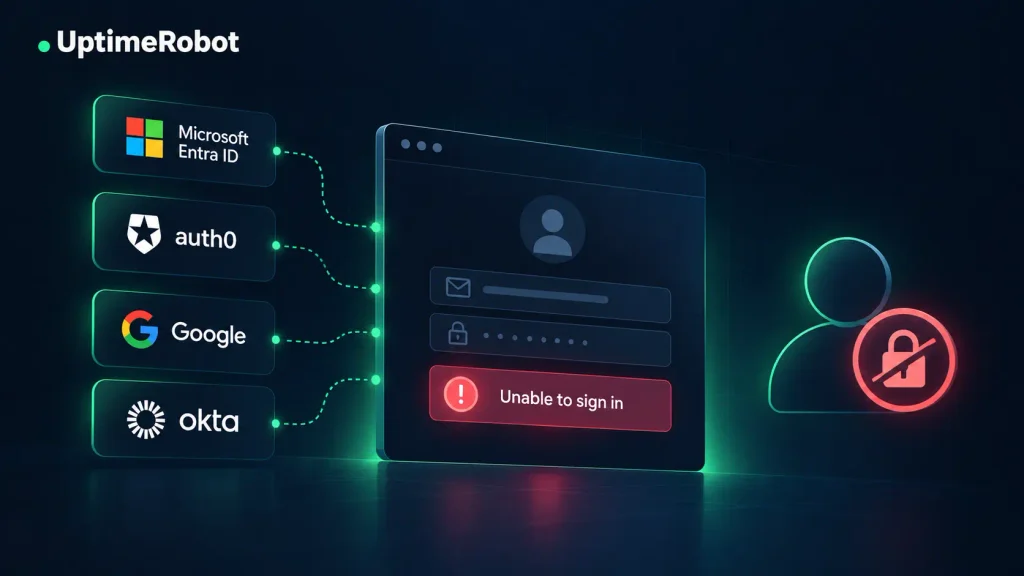
5. Authentication provider
An auth outage can block logins and signups across the product. Watch login success rate, token issuance and refresh errors, and p95 login latency, measured from the user’s path rather than the provider’s admin console.
Tip: Use keyword monitoring on your hosted login page or API monitoring on the token endpoint, alongside status tracking for the authentication provider.
6. Enterprise SSO and directory sync
An SSO failure can lock out an entire customer account, often one of your largest. Broken SCIM sync means new employees never get provisioned.
Watch SAML and OIDC callback errors by customer tenant, because one tenant’s misconfiguration can look like a full outage to that customer while everyone else is unaffected.
Tip: Track the identity providers your biggest customers use with third-party monitoring, then pair it with SSO error alerts by tenant in your own telemetry.
7. Social login
Users who signed up with Google or Apple may have no password to fall back on. Watch OAuth callback success by provider and errors fetching signing keys (JWKS). An email magic link can give users another way in during a provider outage.
Tip: Add third-party monitoring for each social login provider you offer.
You stop taking money
These failures hit revenue directly. Checkouts fail, renewals stall, or invoices never go out, making payment services a priority for paging alerts.
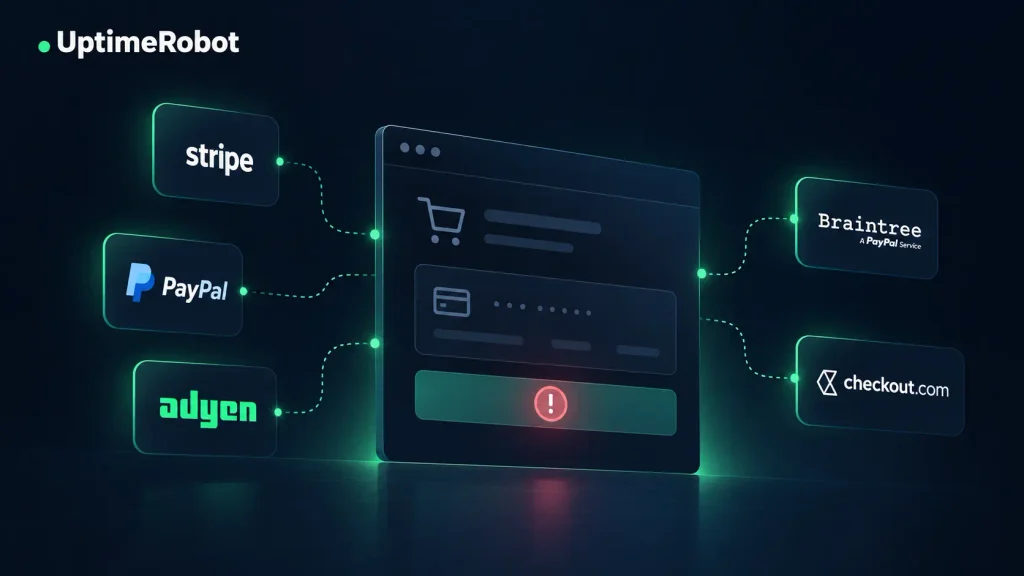
8. Payment processor
A payment processor outage can cause checkout errors, failed upgrades or delayed payment events. Watch authorization success rate, API errors and latency, and webhook delivery times.
Stripe publishes both a system status page and a reachability check for its API, CDN and webhooks.
Tip: Use third-party monitoring for the payment components you rely on, alongside an API check on your own checkout path.
9. Subscription billing and dunning
Billing failures can be harder to spot. Renewals stop charging, failed-payment retries stop running or customers keep access after a payment fails. A card can authorize successfully while the subscription update behind it still fails, so watch webhook backlog, dunning job success and entitlement sync delay.
Tip: Add a heartbeat monitor to your billing sync or dunning job so you’re alerted when it stops running.
10. Tax calculation and invoicing
If tax is calculated at checkout, a slow tax API can hold up the entire payment. It can also prevent invoices from being generated after a successful charge. Watch latency, errors and invoice generation, and decide in advance what should happen if the tax service times out.
Tip: Add an API check for the tax calculation call your checkout relies on.
Features degrade
These dependencies rarely take the whole product down. Instead, individual features become slower, unreliable or unavailable, which can make problems harder to spot.
11. AI and LLM APIs
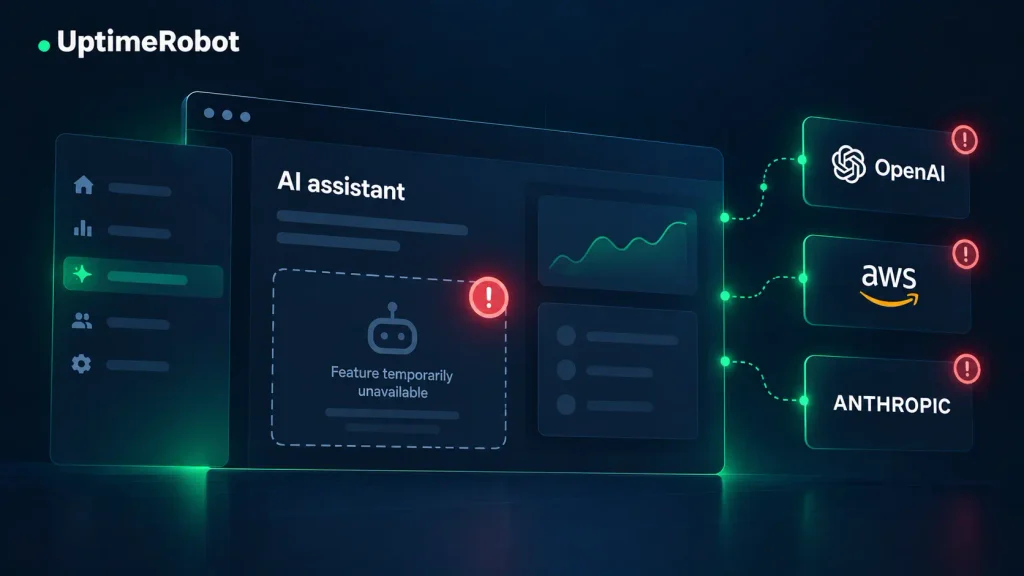
AI provider problems can cause errors, timeouts or responses slow enough to affect the user experience. Watch error rates, rate limiting, response times and fallback usage. Model quality and cost can change without an outage, so track those separately.
Tip: Use API monitoring on the endpoint your feature relies on, alongside status tracking for the AI provider.
12. Search
Search problems can leave users with empty, stale or incomplete results even while the rest of the product works normally. Watch query errors, latency, indexing lag and unexpected changes in zero-result searches.
Tip: Implement keyword monitoring on a search query that should consistently return a known result.
13. Maps and geolocation
Problems with maps and geolocation services can cause blank maps, failed address autocomplete or missing location-based content. Watch API errors, script loading failures, response times and usage limits.
Tip: Add an API monitor for a geocoding or autocomplete request your product relies on.
14. Feature flags and remote config
If a feature flag or remote configuration service becomes unavailable, the result depends on how your application handles the failure.
Features may fall back to default values until the connection is restored. Watch SDK connection errors and fallback events, and test what happens when the provider can’t be reached.
Tip: Use third-party monitoring to track your feature flag provider, and alert on SDK fallback events in your own application.
You go quiet
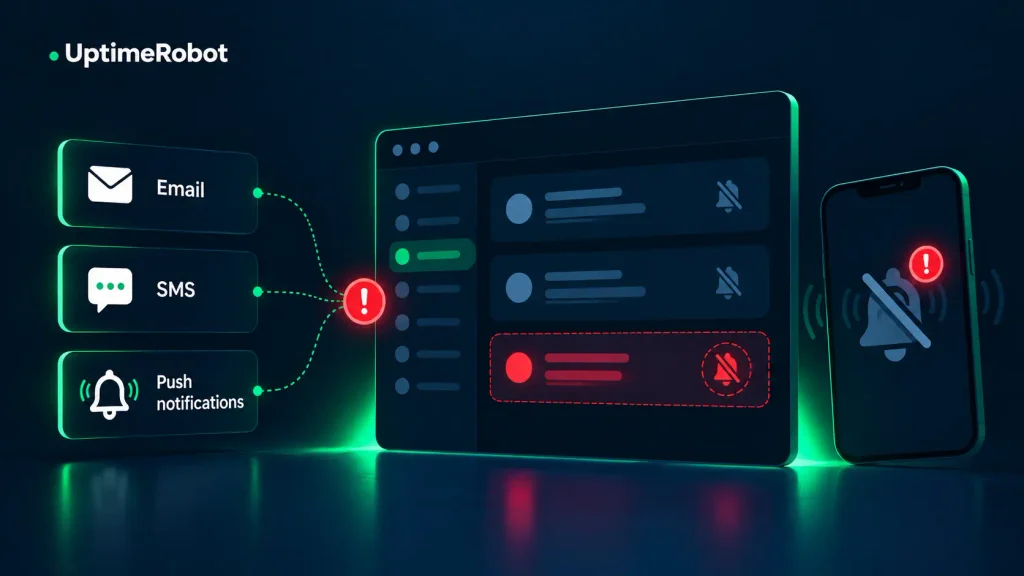
These failures cut off important messages to customers, including verification emails, MFA codes, receipts and alerts. The application may still be running normally while customers are left waiting for something that never arrives.
15. Transactional email
Email failures can leave customers without password resets, verification emails or receipts. A provider accepting a message doesn’t necessarily mean it reached the recipient.
Watch API errors, deferral and bounce rates, and the time between your application sending a message and the provider accepting it.
Tip: Use third-party monitoring to track your email provider, alongside regular test sends of critical emails to a seed mailbox.
16. SMS and voice
Problems with SMS delivery can prevent customers from receiving MFA codes and other time-sensitive messages.
Performance can also vary across countries and carriers, so watch delivery rates, delivery times and failure codes for the routes you rely on. For practical steps to catch delays before customers are affected, read our Black Friday outage prevention guide.
Tip: Track your SMS provider and the components or regions you use with third-party monitoring, and consider an end-to-end test for critical messages such as MFA codes.
17. Push notifications
Push notification failures can be difficult to spot because customers may never know a message was supposed to arrive. Watch send errors, invalid token rates and credential expiry dates.
Tip: Track the status of your push provider and set alerts for credentials that are approaching expiration.
You’re flying blind
These tools don’t usually affect customers directly. When they fail, problems can go unnoticed or teams can end up working with incomplete data.
18. Product analytics
Analytics failures can leave gaps or duplicates in funnel data, disrupt experiments and skew reports. Watch event volume against normal levels, event delays and rejected events. Keep analytics calls asynchronous with short timeouts so tracking problems don’t slow down critical paths such as checkout or signup.
Tip: Set an alert for an unexpected drop in event volume, which can reveal a tracking problem before it shows up in reporting.
19. Error tracking
If your error tracker stops receiving data, application errors can continue without reaching the people responsible for investigating them. Watch ingestion, quota usage and alert delivery times, and keep customer requests independent of the error-tracking service.
Tip: Implement third-party monitoring to track your error-tracking provider, alongside alerts for your event quota.
20. Logging and observability
Observability failures can leave you with missing data and alerts during an incident. Watch agent health, ingestion delays, dropped data and alert delivery. Independent monitoring gives you another source of information when your primary observability system is unavailable.
Tip: Track your observability provider separately and use uptime monitoring for critical services so those checks don’t depend on the same system.
How to monitor third-party dependencies without alert noise
Not every vendor incident needs an immediate alert. Prioritize problems affecting customers and route them to the people who can act.
Combine three kinds of signal
Use three sources to see both vendor incidents and their effect on your product:
- Provider signals: Status pages, incident feeds and maintenance notices.
- Active checks: Uptime, API, DNS and SSL monitoring, plus tests of critical paths such as login or checkout.
- Your own telemetry: Success rates, latency and errors from calls to each provider.
Tag outbound calls by provider, operation, status code and duration so you can identify dependency problems in your own data.
Route alerts by consequence
Revenue and login failures usually need the fastest response. Less critical degradation can go to a team channel during working hours and escalate if your own checks show customer impact.
Send each alert to the integration owner and connect critical failures to your incident management workflow.
Third party monitoring with UptimeRobot
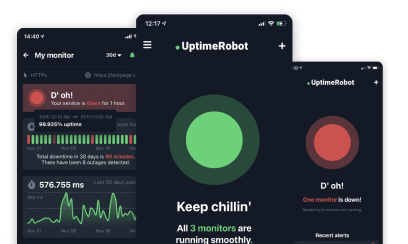
UptimeRobot’s Third party monitoring tracks more than 6,000 providers and lets you select the individual components your product relies on. It combines official provider updates with user-generated reports, so you can spot potential issues before providers acknowledge them. Pair these signals with API, DNS and SSL monitoring of your own integrations.
The Free plan includes 50 monitors with five-minute checks, while third-party service monitoring is included with paid plans. Solo covers 1 to 5 third-party services, Team 20, and Scale 40 to 100.
A simple rollout is to add your payment, billing and identity providers first, then add an active check for critical paths such as checkout and login. Route revenue and authentication failures to paging channels and review your alert history regularly to remove noise.
Keep a dependency map
Keep a record of the dependencies your product relies on, who owns them and how they’re monitored.
For each one, record:
- Provider and component
- Consequence group and owning team
- Status page and support contact
- Fallback behavior
- Monitors and alerts
Review the map when dependencies change and after significant incidents. Test critical fallbacks periodically in staging to confirm they work and trigger the expected alerts.
When a vendor goes down
Compare the provider’s status with your own checks, logs and customer reports to find out whether the problem is with the provider, your integration or a specific customer configuration.
Use fallbacks where possible. That might mean offering another login method, queueing messages for later delivery or temporarily disabling an affected feature.
Keep customers informed about what’s affected, available workarounds and when they’ll hear from you again. A public status page gives them somewhere to follow updates.
Conclusion
Third-party dependencies extend the number of places where a SaaS product can fail. Knowing which services support critical customer paths, monitoring them independently and planning for failures gives teams a much clearer picture when something goes wrong.
For more on building out that monitoring, read What URLs Should You Monitor? for choosing checks around customer-facing paths, or Incident Management: Explained for routing and responding to alerts.
-
Start with the services that keep your application accessible, including cloud infrastructure, CDNs, DNS and TLS certificates. Next, prioritize authentication and payment dependencies, since failures can prevent customers from logging in or completing transactions.
-
No. A status page only shows what the provider has acknowledged. Pair it with your own checks to see whether the service is actually working for your customers.
-
Compare the provider’s status with your own checks, logs and customer reports. Together they show whether the problem is with the provider, your integration or a specific customer’s configuration.
-
Review your dependency map whenever dependencies change and after significant incidents. Test critical fallbacks in staging from time to time to confirm they work and trigger the expected alerts.
-
The Free plan includes 50 monitors with five-minute checks for HTTP, keyword, ping and port monitoring. Third party monitoring, API monitoring and DNS monitoring require a paid plan. Solo covers 1-5 third-party services, Team covers 20, and Scale covers 40-100, depending on the plan.